Travel eSIM No Hidden Fees: What to Check
Choose a travel eSIM no hidden fees plan with confidence. Learn what providers hide, what to check, and how to avoid roaming bill shock abroad.

Dual SIM technology is a bit like having a hybrid car. It intelligently switches between two power sources to give you the best performance and efficiency. For your phone, this means using an affordable, local data plan for browsing and maps while keeping your regular home number active for important calls and texts. It’s the perfect setup for traveling internationally without the pain of huge roaming bills.
We’ve all been there. You land in a new country, and the first order of business is a frantic search for a local SIM card. You’re stuck in a queue at an airport kiosk while your travel companions are already heading for the taxi. Or worse, you skip the hassle, use your home plan, and come back to a mobile bill that could fund another trip. Dual SIM technology puts an end to these classic travel headaches.
At its heart, dual SIM capability just means your single smartphone can hold and manage two separate mobile plans. For travelers, this is a game-changer. You can keep your primary SIM from home active for those essential calls or security texts from your bank. Then, you can add a secondary travel eSIM, like one from TapSim, purely for affordable, high-speed mobile data in the country you’re visiting.
This setup gives you the best of both worlds, all without fumbling around trying to swap out those tiny, easy-to-lose bits of plastic.
To quickly see why this is so useful, here’s a breakdown of the key benefits for international travel.
| Benefit | How It Helps You |
|---|---|
| Avoid Roaming Fees | Use a local or regional eSIM for data, completely bypassing your home network’s expensive roaming charges. |
| Stay Reachable | Keep your primary number active to receive important calls and SMS verification codes without interruption. |
| Instant Connectivity | Activate your travel eSIM the moment you land, so you can book a ride or check your map immediately. |
| Cost Control | Pay-as-you-go data plans on an eSIM mean you know exactly what you’re spending. No nasty surprises. |
| Convenience | No more hunting for physical SIMs at the airport or swapping cards. It’s all managed digitally on your phone. |
As you can see, the advantages are clear and practical, making your travel experience smoother from start to finish.
Dual SIM has completely changed the game for international travelers. It allows anyone to manage two numbers on one device—ideal for keeping personal and work lines separate or, more importantly, dodging those roaming fees abroad. Globally, as smartphone ownership grows, the adoption of dual SIM has skyrocketed, largely thanks to the introduction of eSIMs. To understand the scale, it’s worth noting that in a market like the UK, smartphone ownership is on track to hit 95% by early 2025. You can discover more about the UK’s mobile market growth and see how these trends apply worldwide.
By using a dual SIM setup, you maintain complete control. You decide which line handles data, which one takes calls, and which one stays quiet. This simple shift puts an end to unexpected roaming charges.
With TapSim, travelers can activate data instantly before takeoff. That means you have internet access the moment your plane’s wheels touch the tarmac. No more desperately searching for airport Wi-Fi just to let your family know you’ve landed safely. It truly simplifies the travel experience, letting you focus on the adventure ahead, not on your phone bill.
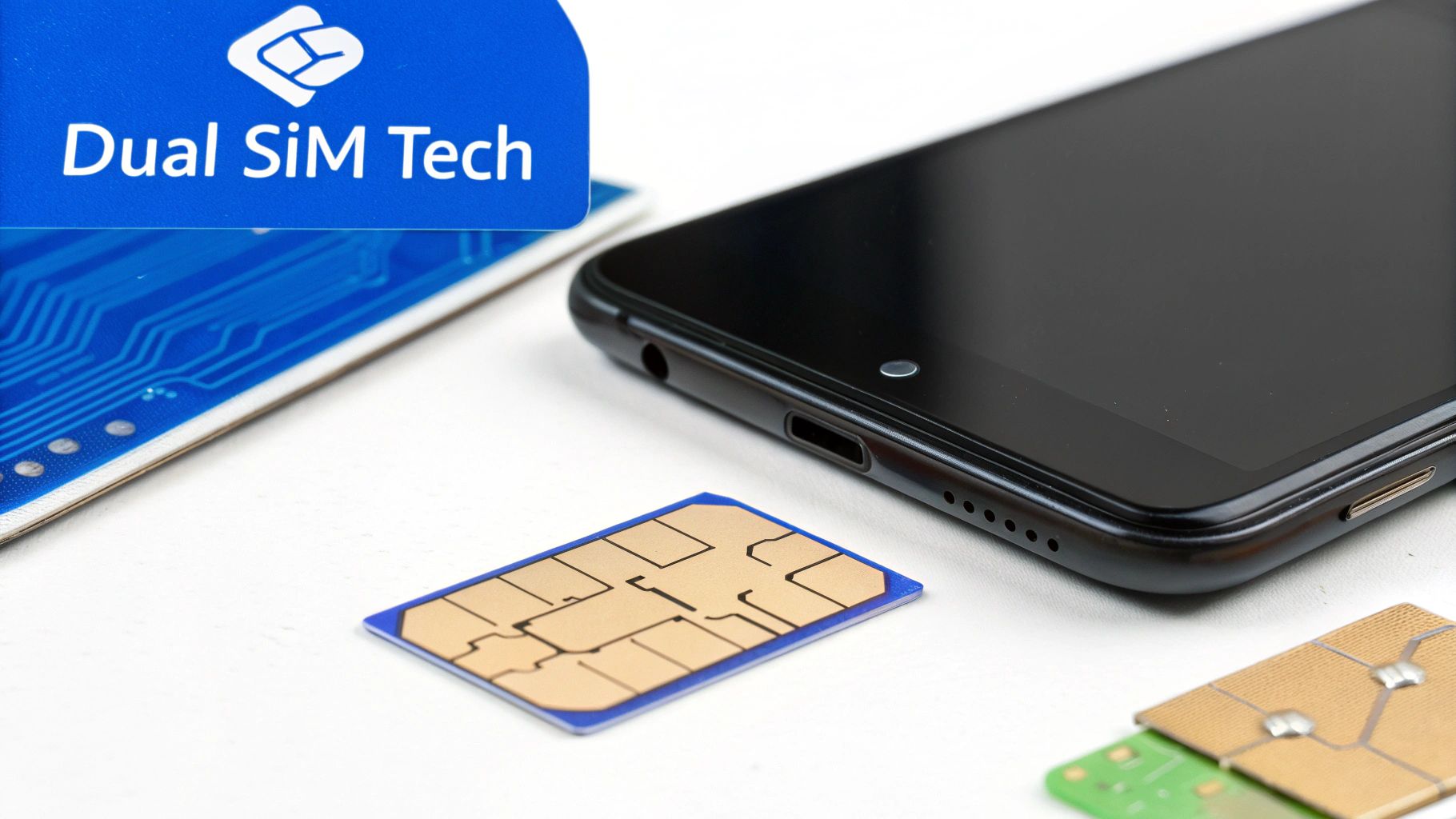
To really get your head around dual SIM, it helps to understand what’s going on inside your phone. In the early days, a phone with two numbers needed two separate, physical SIM card slots. This made the devices bulky and, honestly, a bit clunky. But technology has come a long way since then.
These days, most dual SIM phones use a much smarter combination: one traditional physical SIM card slot paired with an embedded SIM (eSIM). An eSIM is a tiny chip built right into your phone’s circuit board. It does the exact same job as the plastic SIM card you’re used to, but it’s all digital.
This setup is an absolute game-changer for travelers. You can leave your physical home SIM card in its slot and simply download a travel plan from an eSIM provider onto the eSIM. Just like that, you have two active lines without fiddling with tiny bits of plastic. If you’re curious about this shift, our guide on what an eSIM is and how it simplifies connectivity breaks it all down.
As you dive into the world of dual SIM, you’ll likely bump into terms like Dual SIM Dual Standby (DSDS) and Dual SIM Dual Active (DSDA). They sound a bit technical, but the idea behind them is actually quite straightforward.
Just about every modern dual SIM smartphone on the market today, from the latest iPhone to top Android models, uses DSDS technology.
Think of DSDS like call waiting, but for your two separate phone lines. Both of your SIMs are active and in “standby” mode, meaning they are both ready to receive calls and texts. The catch is that they share a single radio antenna inside the phone.
Because they share that single radio, if you’re on a call using one line, any calls to your other number will go straight to voicemail. But as soon as you hang up, the second line instantly reconnects and is ready to go again. For most of us, DSDS works perfectly for managing two numbers while traveling.
So, what does this technology actually look like in practice? It depends on your phone, but you’ll generally find one of two setups.
This evolution towards eSIMs is what makes dual SIM so incredibly useful for international travel. Forget hunting for a local SIM card shop the moment you land. With TapSim, you can get your travel eSIM sorted before you even pack your bags, giving you affordable data the second your plane touches down. It’s a simple, digital fix for one of travel’s oldest headaches.
So, how does your phone actually juggle two active lines at once? It’s far less complicated than it sounds. Your phone’s settings give you a control panel to assign specific jobs to each SIM, putting you firmly in charge of how you connect.
Think about this: you’ve just landed in a new country. Before you even grab your luggage, you can hop into your settings and tell your phone, “Use my new travel eSIM for all mobile data.” Just like that, you’ve prevented your home plan from ever touching an expensive foreign network and racking up shocking roaming charges.
At the same time, you can leave your physical home SIM as the go-to for voice calls and texts. This is a game-changer. It means you can still get that important call from back home or a security text from your bank on your regular number, all while you’re using your affordable local data to look up maps or book a ride.
The real beauty of a dual SIM setup is this flexibility. Your smartphone doesn’t just jam two connections together; it lets you become the director of your own little communications hub.
You get to set a default line for voice calls—this is the number your phone will automatically use whenever you dial out. Don’t worry, you can usually choose which line to use for a specific call right before you make it. You can do the same for SMS messages, picking one line to handle all your texting.
For anyone traveling, the most important setting is assigning one line purely for mobile data. By selecting your TapSim travel eSIM for this job, you make sure every app, map, and browser tab is sipping from your prepaid local plan, not your expensive one from home.
What about apps like WhatsApp, Telegram, or Apple’s iMessage? This is where a dual SIM setup is pure magic for travelers. These apps are tied to your phone number, not the physical SIM card itself.
This means that even when your phone is using the TapSim eSIM for its internet connection, your WhatsApp and iMessage will carry on working perfectly with your original home number. All your chats, contacts, and groups will be exactly where you left them. Your friends and family messaging you won’t have a clue anything has changed.
The key takeaway is that your travel eSIM provides the affordable internet connection, while your favorite messaging apps continue to run using your established home number. You get the cost savings of local data without losing access to your digital life.
This clever separation of duties is what makes dual SIM technology so brilliant. It lets you build a customized solution for staying connected abroad, perfectly blending the reliability of your home number with the affordability of local data.
To make this crystal clear, let’s break down the distinct roles each SIM plays when you’re on the move.
This comparison helps you understand the specific roles your home SIM and travel eSIM play when you’re abroad.
| Feature | Your Physical Home SIM | Your TapSim Travel eSIM |
|---|---|---|
| Primary Role | Voice calls & SMS | Mobile Data |
| Data Usage | Data roaming turned OFF to avoid charges | Data roaming turned ON to connect locally |
| WhatsApp/iMessage | Remains linked to your home phone number | Provides the internet connection for these apps |
| Cost | Potentially very high for roaming data | Low-cost, prepaid data for a specific country |
As you can see, they work together as a team. Your home SIM keeps you reachable on your main number for the important stuff, while the travel eSIM handles all the heavy lifting for data without breaking the bank.
Getting your phone sorted for a trip abroad is actually much easier than packing your suitcase. With just a few quick taps in your settings, you can land at your destination with affordable, high-speed data ready to go, all while keeping your home number active for those important calls and texts.
This guide will walk you through the essential setup for using a travel eSIM alongside your primary plan on both iPhones and Android phones. Following these steps is the key to avoiding nasty roaming charges and staying connected without a hitch.
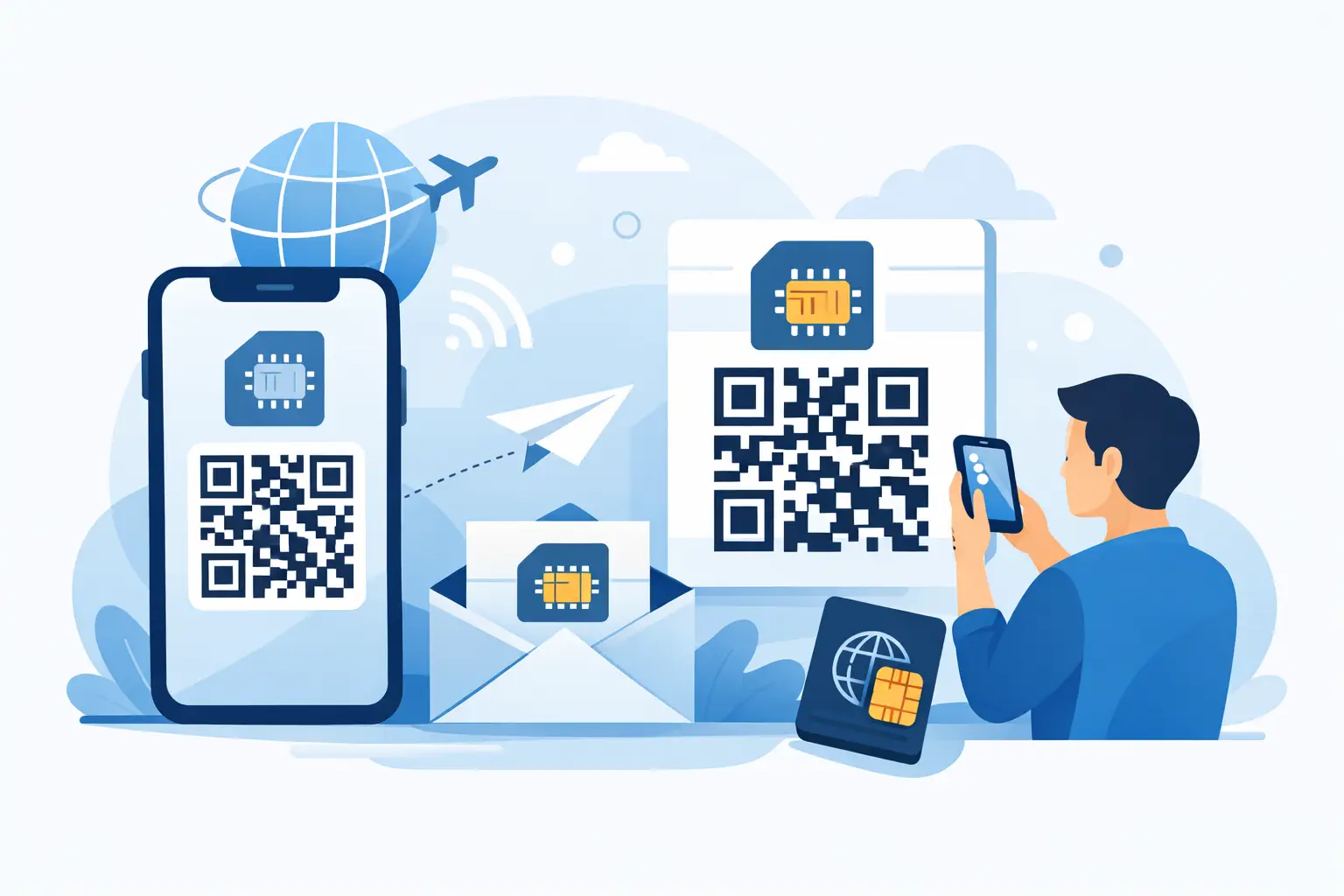
First things first, you need to add your new travel plan to your phone. Most eSIM providers, like TapSim, make this incredibly straightforward by sending a QR code right after you’ve bought a plan.
You’ll usually find the option to add an eSIM in your phone’s settings, often under “Cellular,” “Mobile Data,” or “Network & Internet.” Just tap “Add eSIM” or “Add Cellular Plan” and point your camera at the QR code. Your phone does the heavy lifting from there. For a more detailed walkthrough, you can find simple instructions on how to activate an eSIM for your specific device.
Once your new eSIM is installed, your phone officially has two active lines. This is where a little bit of organization goes a long way. To avoid any mix-ups, it’s a brilliant idea to label them clearly.
Rename your plans to something you’ll instantly recognize, like “Home” for your primary SIM and “Travel Data” or “Europe Trip” for your new TapSim eSIM. This means you’ll know exactly which is which when you’re changing settings later on.
By default, your phone might call them “Primary” and “Secondary,” which isn’t very helpful when you’re trying to quickly check which one is using data. Clear labels like “Home Number” and “Spain Data” remove all guesswork.
Now it’s time to play traffic controller and tell your phone how to use each line. You’re in complete control of which plan handles calls, sends messages, and connects to the internet.
This flowchart shows the simple process of assigning specific jobs to each of your SIMs to get the best setup while you’re away.
As you can see, the smartest approach is to set your home line for calls and messages while dedicating your travel eSIM purely for data.
For most travelers, this is the perfect configuration:
This last step is absolutely critical if you want to avoid a monster bill from your home provider. Dive into the settings for your Home plan and find the switch for Data Roaming. Make absolutely sure it is toggled OFF.
On the flip side, you’ll need to make sure Data Roaming is switched ON for your Travel Data eSIM. I know this sounds a bit strange, but it’s what allows your travel eSIM to connect to local networks in the country you’re visiting. Because it’s a prepaid plan designed for that specific region, you won’t get hit with any unexpected charges.
By following these four steps, you’ve created the perfect travel setup. Your phone will intelligently use the cheap, local data from your travel eSIM for all internet activity, while keeping your familiar number on standby for essential communication.
Even when you’ve got everything set up perfectly, you can still hit the odd snag. The good news? Most dual SIM problems you’ll encounter while traveling are surprisingly simple to sort out. Knowing what to look for means you can be back online in minutes and get on with your trip.
One of the first things you might notice is that your battery life takes a bit of a hit. This is completely normal. Your phone is working a little harder to keep two separate lines active, and that uses a tad more power. The difference is usually pretty small, but it’s always a good idea to have a power bank with you for those long days of sightseeing.
What about calls? A common question is what happens if someone rings your home number while you’re using your travel eSIM for data. On most modern phones with Dual SIM Dual Standby (DSDS), your data connection will simply pause for the duration of the call. As soon as you hang up, it kicks right back in.
By far the most common hiccup is landing in a new country and finding your travel eSIM isn’t connecting to the internet. Don’t worry, this is almost always a quick fix buried in your phone’s settings. In our experience, it usually comes down to one of two simple things.
First, pop into your settings and double-check that your TapSim eSIM is actually set as your primary line for mobile data. It’s an easy detail to miss when you’re rushing to get set up.
Second, you need to make sure Data Roaming is switched ON for your travel eSIM. I know this sounds wrong—we’ve all been warned about roaming charges! But because your travel eSIM is a prepaid plan designed for that country, it needs roaming to be enabled so it can connect to the local partner networks. You won’t get hit with any surprise fees.
If you ever see a “No Service” or a “PDP Authentication Failure” message, checking these two settings is the first thing you should do. For a deeper dive into that specific error, our guide on fixing PDP authentication failure has you covered.
Still no luck? Just run through this quick checklist. These steps solve the vast majority of connection issues and should get you sorted in no time.
Settings > Cellular / Mobile Data and make sure your travel eSIM is the one selected for Mobile Data.Keeping these simple fixes in your back pocket will help you travel with confidence. Once you understand how it all works and what to do when things go slightly sideways, you can stay connected without the stress, no matter where you are in the world.
Getting started with dual SIM often brings up a few questions. We’ve been there! Let’s clear up some of the most common ones so you can feel totally prepared for your trip.
This is a really common point of confusion, but it’s simpler than it sounds. Think of Dual SIM as a feature of your phone—its ability to handle two separate mobile plans. An eSIM, on the other hand, is the technology that makes this happen without needing a second plastic SIM card.
So, a dual SIM phone might use one physical SIM and one eSIM, or on the newest models, even two eSIMs at once. It’s all about giving you the flexibility to connect to two networks simultaneously.
Absolutely! This is one of the best parts about using a travel eSIM. Apps like WhatsApp, iMessage, and Telegram are linked to your phone number itself, not the SIM card providing the data.
When you’re abroad, your TapSim eSIM will handle all the mobile data, but WhatsApp will keep running with your usual home number. Your friends and family won’t have a clue anything has changed—all your chats and groups will be exactly where you left them.
It’s the perfect setup: you get cheap local data for maps and browsing, while everyone can still reach you on the number they already have saved.
Nope, definitely not. In fact, you should leave it in! The whole idea is to have both your home SIM and your travel eSIM working together. Your physical SIM stays in its slot so you can still get important calls and texts on your regular number.
At the same time, your travel eSIM will be set to handle all the data. It’s this clever tag-team approach that keeps you connected and saves you from those nasty roaming fees.
There is a slight increase in battery usage, yes. Your phone has to work a little harder to maintain two network connections at once. It’s usually not a dramatic difference you’d notice day-to-day, but it’s something to be aware of.
Our advice? Pack a portable power bank, especially for long days of sightseeing. That way, you can snap photos, use maps, and stay online without any battery anxiety.
Ready to travel smarter? Get affordable, instant data for your next trip with TapSim.