When planning a trip to Egypt, the right eSIM is one that works the moment you land. You’re looking for instant activation, clear pricing with no hidden fees, and solid coverage on reliable local networks like Orange or Vodafone. The goal is to touch down in Cairo with data already working for your maps and messages, sidestepping those eye-watering roaming charges and the classic airport scramble for a local SIM.
Why an eSIM Is a Game-Changer for Your Egypt Trip
Imagine exploring the Great Pyramids or wandering through the temples of Luxor. The last thing you want is the frustration of patchy hotel Wi-Fi or a massive bill from your home mobile provider when you get back. This is exactly why an eSIM isn’t just a gadget—it’s an essential tool for any modern traveller in Egypt.
For years, the standard advice was to find a local SIM card vendor right after you landed. But let’s be honest, that often means trying to figure things out after a long flight, dealing with language barriers, and getting through a ton of paperwork. It’s a stressful way to kick off a holiday.
The Old Way vs. The Smart Way
Let’s break down the difference between the old-school approach and using an eSIM. It quickly becomes clear why one makes a lot more sense for travellers today.
Feature
Local Physical SIM Card
Travel eSIM
Activation
You have to find a shop, buy it in person, and register after you land.
Activate it digitally from home before you even pack your bags.
Convenience
You might have to queue up and deal with paperwork.
It’s just a QR code. Scan it, and you’re good to go the second you arrive.
Timing
You’re completely offline until you get that physical SIM installed.
Your phone is connected the moment you switch off airplane mode.
Flexibility
You’re stuck with one physical card. Switching plans is a hassle.
Easily top up or switch data plans right from your phone.
An eSIM completely transforms your arrival. Instead of a frantic search for a SIM kiosk, you can step off the plane, turn on your phone, and immediately book a ride, check the map to your hotel, or message family to let them know you’ve landed safely. With a provider like TapSim, you can sort all of this out before you even leave for the airport.
Getting an eSIM before you travel isn’t just about buying data; it’s about buying yourself a stress-free start to your trip. It ensures your first moments in Egypt are about the excitement of being there, not about trying to fix a tech problem.
This modern approach gives you the confidence to travel smart. You know you’ll have a reliable data connection from day one, turning your smartphone into the powerful travel companion it’s meant to be.
How to Choose the Right eSIM Plan for Egypt
Picking the best eSIM for Egypt isn’t about just grabbing the biggest data package available. It’s about finding a plan that genuinely fits how you’ll be travelling. A one-size-fits-all approach is a sure way to either waste money on data you never use or, worse, find yourself disconnected when you need it most.
Before you even look at plans, take a moment to think about your own data habits. Are you the type to use your phone just for essentials like Google Maps and a few messages, or will you be working remotely, joining video calls and needing a rock-solid connection? Figuring out your traveler profile is the first, and most important, step.
Estimate Your Data Needs
Working out how much data you’ll need is easier than you might think. Just picture your day-to-day activities and see which of these profiles sounds most like you.
The Light User (1–3 GB per week): Your phone is a tool for the basics. You’ll be using it for navigating with maps, sending WhatsApp messages, and maybe a quick bit of browsing. For anything heavy-duty, you’re happy to wait for the hotel Wi-Fi.
The Social Traveler (5–10 GB per week): You’re all about sharing the experience. Think uploading photos from the Valley of the Kings, posting video stories from a felucca on the Nile, and streaming your favorite playlist on those long bus journeys between cities.
The Digital Nomad (20+ GB per week): For you, a connection isn’t a luxury; it’s a necessity. You’ll be relying on your data for work, which means video conferences, syncing files to the cloud, and probably using your phone as a hotspot for your laptop.
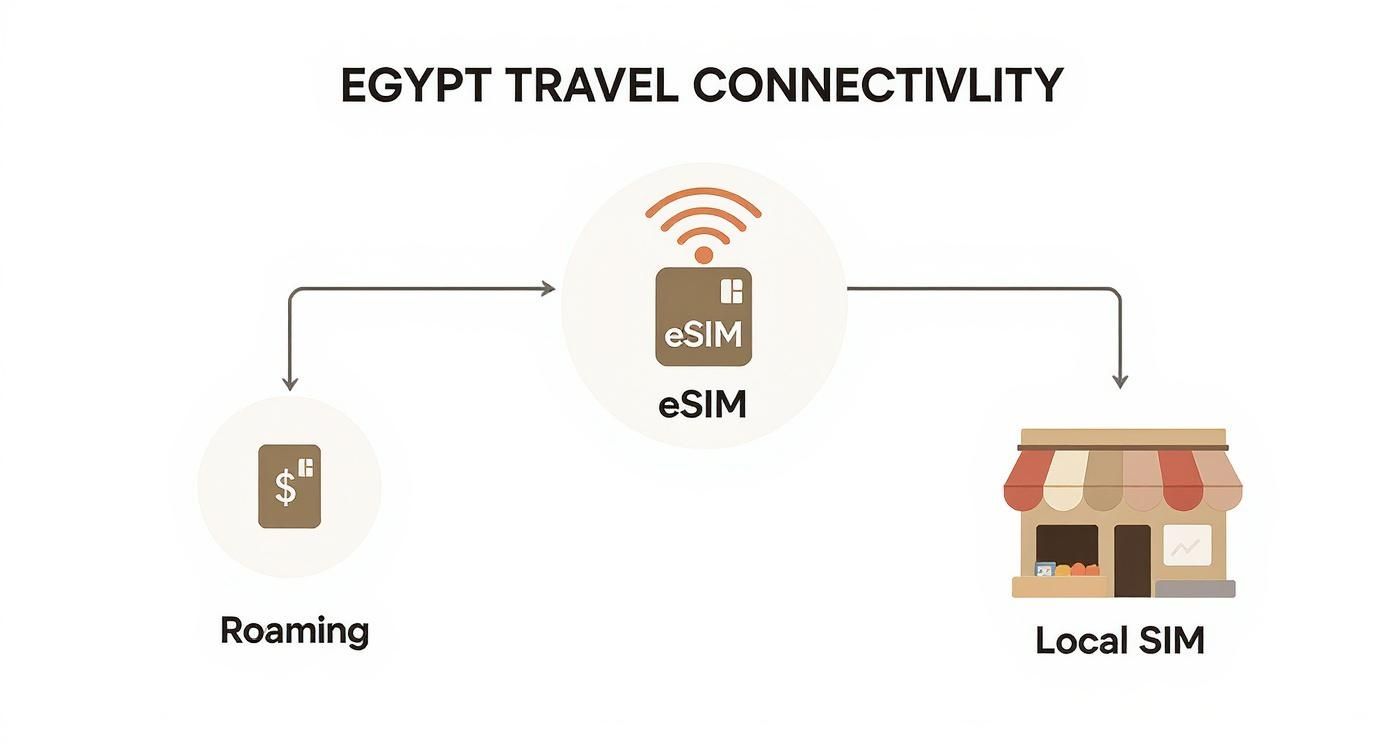
This simple breakdown can help you visualize what kind of connectivity you’ll need from the moment you land.
Ultimately, an eSIM gives you the most straightforward and immediate way to get online right after your flight touches down.
Understand Local Network Coverage
The amount of data you have means nothing if the signal is poor. In Egypt, the main players in the mobile network game are Vodafone, Orange, Etisalat, and WE (Telecom Egypt). While coverage is generally solid in big hubs like Cairo and Luxor, it can get patchy once you venture further afield. This is why good eSIM providers partner with these top-tier networks, ensuring you get a reliable signal wherever your adventure takes you.
Pro Tip: Look for an eSIM that can connect to multiple local networks. This is a huge advantage, as it means your phone will automatically switch to whichever network has the strongest signal in your current location. You get consistent internet, whether you’re haggling in a bustling market or cruising down the Nile.
The telecom scene in Egypt is growing fast. The National Telecommunications Regulatory Authority (NTRA) officially gave eSIMs the green light in late 2024, and the market is projected to hit USD 3.77 billion by 2030. For travelers, this is great news. It means providers like Vodafone Egypt and Orange Egypt are pouring resources into expanding their 4G and 5G infrastructure, leading to better, more dependable eSIM services for us.
Choosing Your Egypt eSIM Plan by Travel Style
To make it even clearer, here’s a quick guide matching common traveler types with the kind of plan that makes the most sense.
Traveller Profile
Typical Data Needs (GB)
Recommended Plan Validity
Example Use Case
Short-Stay Tourist
3-5 GB
7 Days
A week-long trip to Cairo and Luxor, using maps, ride-sharing apps, and light social media.
Adventure Traveller
10 GB
15 Days
A two-week journey covering multiple cities, streaming music, and uploading daily photos/videos.
Digital Nomad
20+ GB
30 Days
Working remotely for a month, requiring constant access for video calls, file sharing, and tethering.
Light User
1 GB
7 Days
A short trip where you primarily use hotel Wi-Fi and only need data for essential navigation and messaging.
This table should help you pinpoint a plan that feels right for your itinerary, avoiding any last-minute data drama.
Finally, always check the plan’s validity period. Make sure it covers your entire trip from start to finish. There’s nothing more frustrating than having to top up your plan midway through your holiday. TapSim simplifies all of this by offering a range of transparently priced eSIM plans for Egypt, designed for different trip lengths and data appetites, so you only pay for what you’ll actually use.
A Simple Guide to Activating Your Egypt eSIM
Getting your eSIM working should be the easiest part of your travel prep. It’s a process that takes just a few minutes, and doing it right means you’re connected the second you land in Egypt. The real trick is to sort it all out before you leave home, while you’ve still got a reliable internet connection.
This guide will take you through the standard steps for activating an eSIM, breaking down what might seem a bit technical into a few simple taps. The whole system is built to be easy, so you can step off the plane in Cairo or Luxor with your phone already good to go.
Before You Get Started
A couple of quick checks beforehand will make sure everything goes off without a hitch. These points are crucial and will save you a lot of potential headaches when you arrive.
Check Your Phone Is Unlocked: Your device has to be carrier-unlocked to use an eSIM from a different provider. If you got your phone on a contract directly from a mobile network, there’s a chance it’s locked. A quick call to your home provider is the easiest way to confirm.
Find a Solid Wi-Fi Connection: You’ll need the internet to download the eSIM profile onto your phone. The best place to do this is at home or in your hotel before you even think about heading to the airport.
Traveler’s Tip: Installing your eSIM before you fly is the single best thing you can do for a stress-free arrival. It means you won’t be desperately searching for flaky airport Wi-Fi just to get your data working. You’ll just be ready.
Step-by-Step Activation Process
When you buy your plan, you’ll get an email with either a QR code or manual setup details. From there, it’s pretty simple.
Find the eSIM Settings on Your Phone:
On an iPhone, head to Settings > Mobile Data > Add eSIM.
On an Android phone (like a Samsung or Google Pixel), it’s usually Settings > Network & internet > SIMs, then tap the + icon to add a new one.
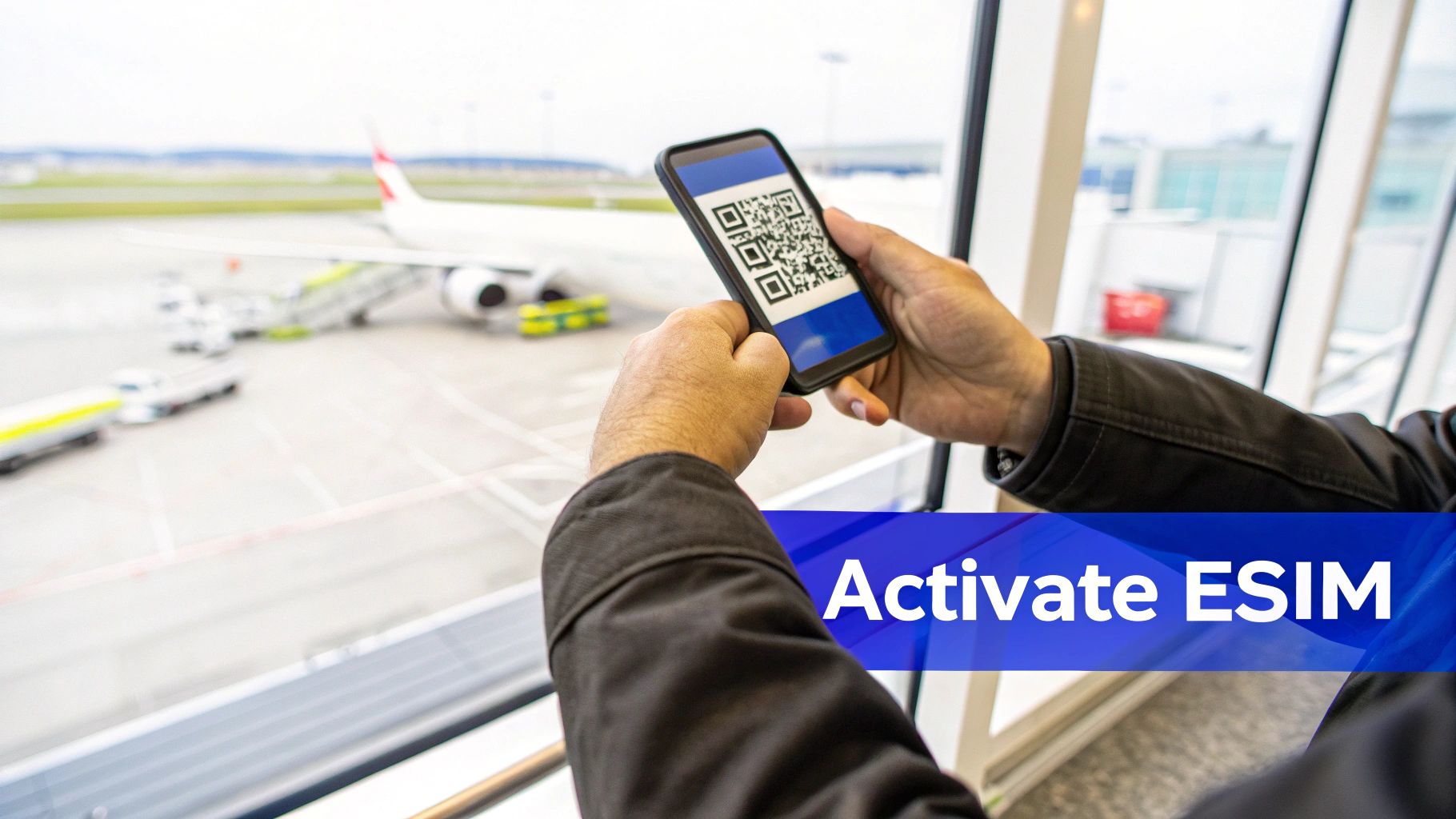
Scan the QR Code: Your phone’s camera will pop up. Just point it at the QR code from your email. Your phone will recognize it and start installing the eSIM profile. Follow the prompts on the screen to finish the job.
Or, Enter Details Manually: If for some reason you can’t scan the code, there’s always an option to “Enter Details Manually.” You’ll just need to copy and paste the activation code and any other information from your confirmation email.
Label Your eSIM: Once it’s installed, giving it a clear label (like “Egypt Travel“) makes it easy to tell apart from your primary SIM, which saves a lot of confusion later.
Switch On and Connect: As soon as you land in Egypt, dive back into your mobile data settings. Choose your new eSIM as the line for mobile data and, most importantly, make sure Data Roaming is switched on for that specific eSIM. Within moments, your phone should connect to a local network like Orange or Vodafone, and you’ll be online.
With TapSim, the process is just as fast and fair as the pricing. If you need more device-specific instructions, this detailed guide explains how to activate an eSIM on an iPhone.
Is Your Phone Ready for an eSIM?
Before you jump into buying an eSIM for your trip to Egypt, there’s one quick but vital check you need to do: making sure your phone can actually use one. It only takes a minute, but skipping this step could mean buying a data plan you can’t even activate.
Most phones made since 2018 have eSIM technology built-in, but it’s not a given. Compatibility often depends on your specific model, where you bought it, and sometimes even the original mobile network provider. A quick check now will save you a headache later.
The shift to eSIMs is happening fast. The market in the Middle East and Africa, which includes Egypt, was valued at around USD 163 million in 2024 and is on a solid growth track. This boom is fueled by more people using smartphones and big investments in 5G, making eSIMs a smart, reliable choice for travelers. You can read more about this regional telecom transformation on cognitivemarketresearch.com.
How to Check on an iPhone
If you have an iPhone, finding out is dead simple. Just take a look in your settings.
Navigate to Settings > Mobile Data (or Cellular in some regions).
Search for an option that says “Add eSIM” or “Add Data Plan“.
If you see either of those, you’re good to go. Your iPhone is compatible.
Another tell-tale sign is the presence of an EID (Embedded Identity Document) number. If you can find that in your phone’s information, it’s definitely eSIM-ready.
How to Check on an Android Phone
With Android, the process is very similar, though the menu names can vary a bit between brands like Samsung, Google, or OnePlus.
Head to Settings > Network & Internet (or Connections).
Tap on SIMs or SIM Card Manager.
Keep an eye out for a button or link to “Add eSIM“.
If that doesn’t work, here’s a handy trick: open your phone’s dialer and type in *#06#. This will display your phone’s identification numbers. If you see an EID listed there, your device supports eSIMs.
Nothing drains the holiday spirit faster than running out of data when you need it most. Getting your plan to last the whole trip is all about being a bit savvy with your usage. Here are a few practical, real-world tips to help you stay connected while exploring Egypt without constantly topping up.
The easiest win is to treat Wi-Fi as your best friend. Before you even step out of your hotel or leave a café, take a couple of minutes to download everything you’ll need for the day. Think of it as your daily prep.
Get Your Phone Ready for Offline Exploring
Making the most of offline features in your go-to apps is an absolute game-changer. It’s a simple habit that will slash your data consumption while you’re out seeing the sights.
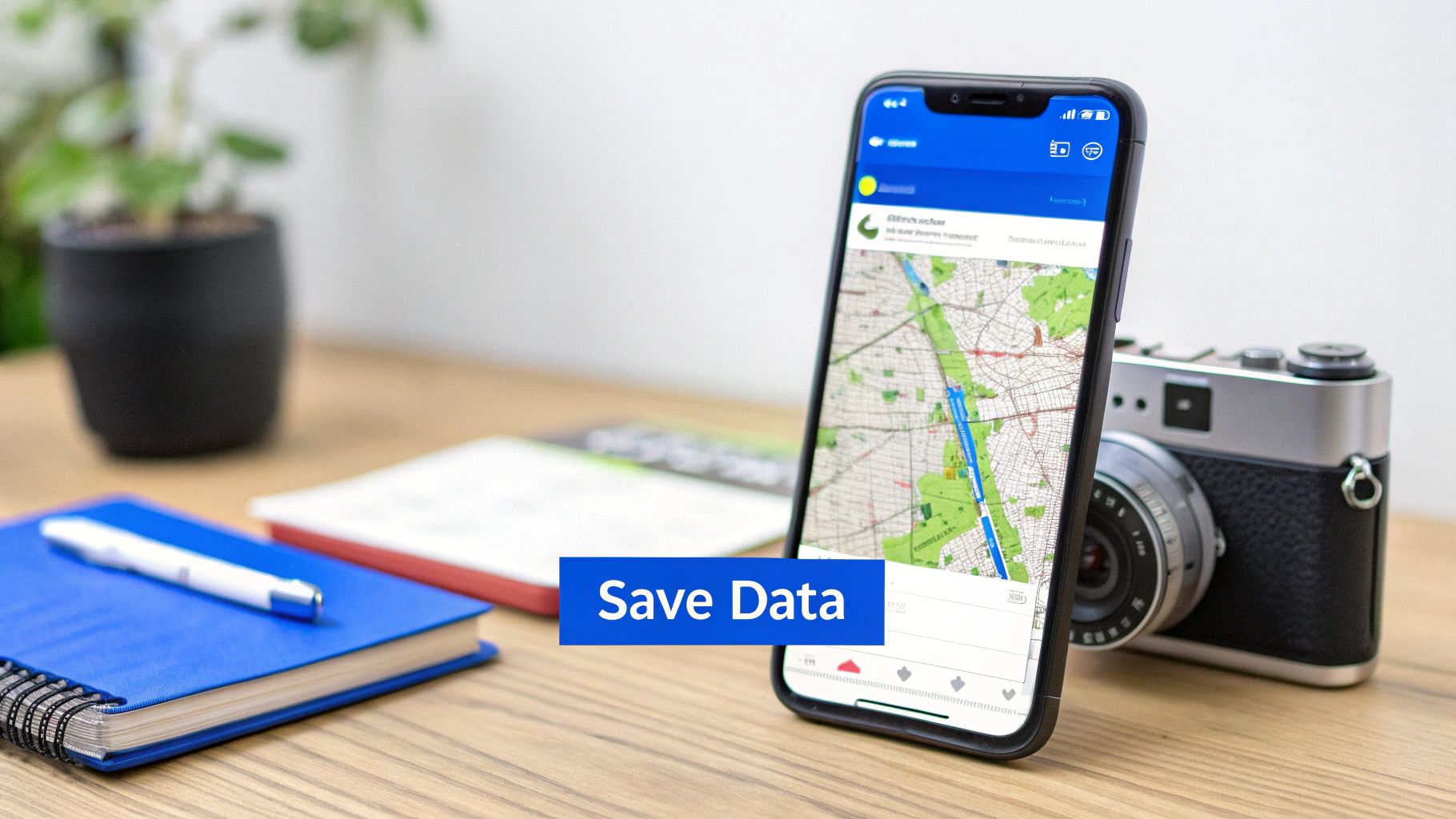
Download Maps: Fire up Google Maps or your preferred navigation app and download the maps for Cairo, Luxor, or Aswan. This lets you wander through bustling souks and find ancient temples without using a single byte of mobile data.
Save Your Guides and Tickets: Got your ticket for the Valley of the Kings or a museum guide? Download them directly to your phone. This means you have instant access without fumbling for a connection at the entrance.
Sync Your Playlists: Let’s be honest, those long bus or train journeys between cities are much better with music or a podcast. Download your favorite playlists and episodes before you set off, as streaming audio chews through data surprisingly fast.
These little preparations mean you save your precious data for the important stuff—like booking a Careem on the fly or video-calling family from in front of the pyramids.
Tweak Your Phone Settings
Your smartphone is brilliant, but it’s also a data hog, constantly working in the background without you even noticing. A few quick adjustments in your settings can make a massive difference to how long your plan lasts.
Tweaking your phone’s settings is a bit like finding a slow puncture in a tire. Plugging those tiny, invisible leaks ensures your data allowance is used for what you actually want, not on background updates you know nothing about.
Have a look at these settings before you start exploring:
Switch Off Background App Refresh: This stops apps from pulling in new content when you’re not actively using them.
Pause Automatic Updates: The last thing you want is for your phone to start downloading a massive system update over your mobile connection. Switch it to Wi-Fi only.
Flick on Low Data Mode: Both iPhones and Androids have a feature called “Low Data Mode” or “Data Saver.” It’s a simple toggle that restricts background data across all your apps.
By taking control of your usage like this, you ensure you’re the one deciding how your data gets spent. Combine these habits with a flexible plan from TapSim, and you’ll have all the connectivity you need, from the Giza Plateau all the way to the Red Sea.
Got a Few Lingering Questions About Egypt eSIMs?
It’s completely normal to have a few last-minute queries, even when you think you have everything sorted. To help you feel fully prepared, I’ve pulled together answers to the most common questions people ask before using an eSIM in Egypt. Think of this as the final check to make sure you’re ready to go.
Can I Still Get Calls and Texts on My Home Number?
Yes, you absolutely can. This is one of the best parts about using a dual-SIM setup with an eSIM. Your main physical SIM stays active for calls and texts, so you won’t miss any important messages or two-factor authentication codes from your bank.
The trick is to dive into your phone’s settings and assign your new eSIM as the sole provider for mobile data. This simple switch prevents your home network from hitting you with eye-watering roaming charges. For making calls, most people just use apps like WhatsApp or FaceTime over their eSIM data connection—it’s cheaper and works perfectly.
What if My eSIM Won’t Connect When I Arrive?
First off, don’t panic if your phone doesn’t connect the second you land. It happens, and the fix is almost always straightforward.
Toggle Data Roaming: Head into your phone’s settings, find your travel eSIM, and make sure Data Roaming is switched on. This is the number one reason for connection issues.
A Quick Reboot: The classic “turn it off and on again” works wonders. Restarting your phone forces it to re-establish a connection with local networks.
Manual Network Selection: If it’s still being stubborn, go into your mobile network settings and try manually selecting a provider. In Egypt, you’ll be looking for networks like Vodafone or Orange.
If none of that works, you’ll want reliable support. This is where a good provider shows its value. For example, TapSim is known for offering clear, practical help to get you sorted without fuss.
Will My eSIM Give Me a Local Egyptian Phone Number?
Most travel eSIMs you’ll find for Egypt are data-only. This is intentional. It means they’re designed purely to give you internet access, not a local number for making traditional phone calls or sending SMS texts.
This approach keeps the plans affordable and simple, focusing on the one thing nearly every traveler needs: fast, reliable data for navigation, messaging, and staying connected online.
The Main Point: A travel eSIM’s job is to deliver affordable, high-speed mobile data. For talking and texting, your best bet is to use data-powered apps. It’s the modern, cost-effective way to communicate while traveling.
Ready to explore Egypt with connectivity you can count on? TapSim offers fair, fast, and honest eSIMs so you can get online the moment you land.
You’ve just landed in a new country, phone in hand, but the internet isn’t working. It’s a modern traveler’s nightmare, but don’t worry—the fix is usually surprisingly simple. Before you…
Dual SIM technology is a bit like having a hybrid car. It intelligently switches between two power sources to give you the best performance and efficiency. For your phone, this…
Figuring out how much data you’ll need for a trip can feel like a shot in the dark, but it really doesn’t have to be. For a standard week-long holiday,…
For any traveler, the best pay-as-you-go (PAYG) option is almost always a modern eSIM. Think about it from a practical standpoint: you get instant activation right from your phone, transparent…
Getting a new iPhone is always exciting, but for a traveler, ensuring your eSIM transfers smoothly is crucial. Whether it’s your primary number or a travel data plan for an…
Activating a travel eSIM is one of the smartest pre-trip tasks you can do, and it’s much simpler than it sounds. Think of it as a digital SIM card that…
Not long ago, staying connected abroad meant navigating a minefield of eye-watering roaming charges or scrambling to find a local SIM card the moment you landed. Thankfully, things have moved…