eSIM for Digital Nomads: What Actually Matters
Choosing an esim for digital nomads? Learn what matters most - coverage, speed caps, hotspot rules, setup, and avoiding fake unlimited plans.

You land, switch off airplane mode, and need maps, rideshare, and messages right away. That is the real question behind how does travel eSIM work. Most travelers are not looking for telecom theory. They want to know if it will connect fast, what they need before takeoff, and whether there is a catch.
The short answer is simple. A travel eSIM is a digital SIM built into your phone. Instead of buying a plastic SIM card at the airport or paying your home carrier’s roaming rates, you buy a prepaid mobile data plan online, install it on your device, and turn it on when you reach your destination.
What makes it useful is not magic. It is convenience. No store visit, no tiny tray pin, no guessing what the local carrier clerk is trying to sell you, and no surprise bill waiting at the end of the trip.
An eSIM does the same basic job as a physical SIM. It tells a mobile network who you are and what service plan your device can use. The difference is that it is digital. Your phone stores the plan electronically instead of through a removable chip.
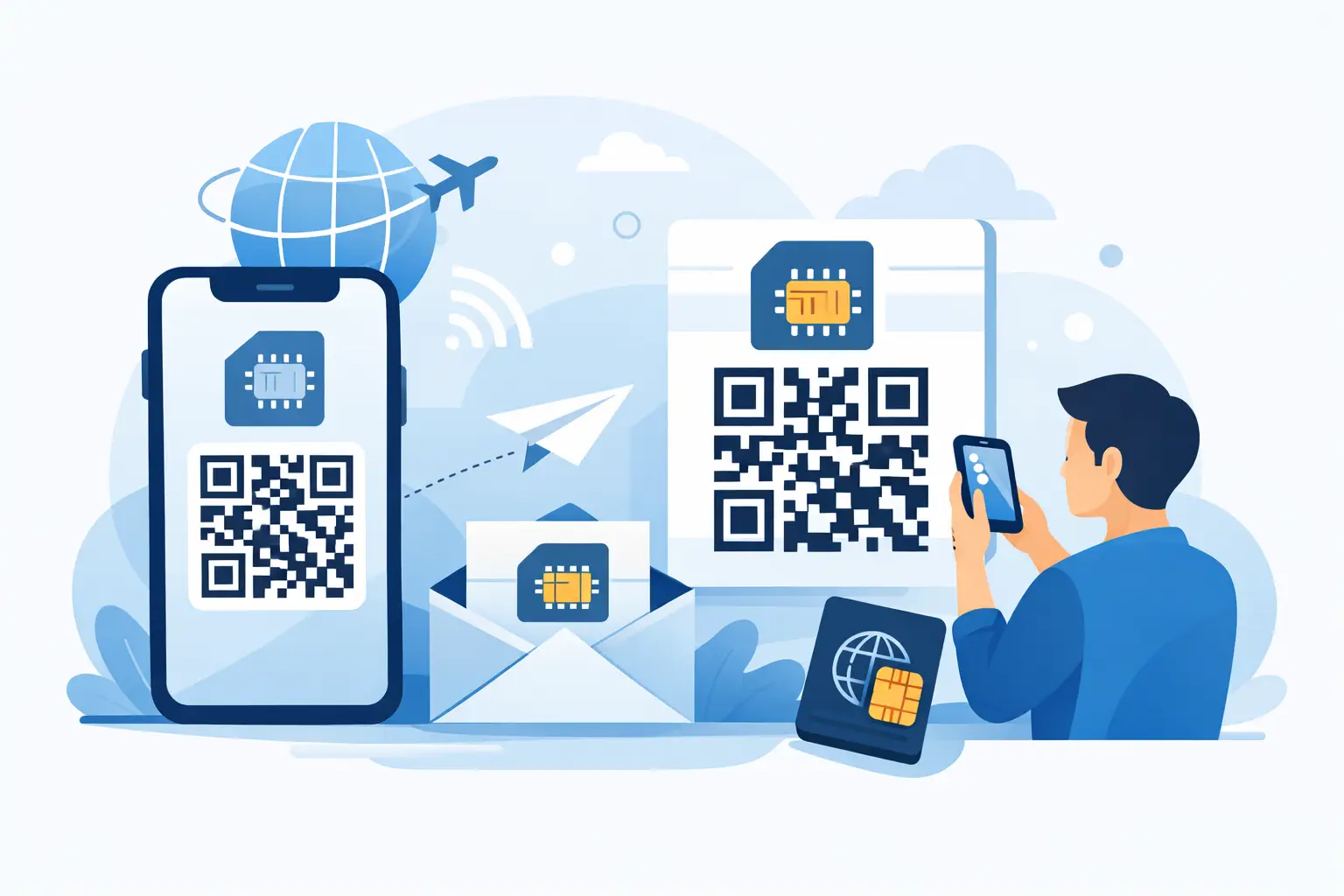
When you buy a travel eSIM, the provider sends you installation details, usually as a QR code or manual setup information. You scan the code, your phone adds the eSIM profile, and the plan sits there ready to use. In most cases, you can install it before you travel and activate it later.
That timing matters. Installation and activation are not always the same thing. Installation means adding the eSIM to your phone. Activation means the plan actually starts working, usually when you arrive in the covered country or connect to a supported network. If you install before departure, you remove a lot of stress from arrival day.
For travelers, this is the appeal. Tap, activate, connect. No kiosk. No roaming trap. No wasted first hour in a new country trying to get online.
The process is usually straightforward. You choose a country or regional plan, pay online, receive the eSIM instantly, and follow setup instructions on your phone. After that, you may need to label the eSIM, turn on data roaming for that eSIM line, and choose it as your mobile data line once you arrive.
Your regular SIM can often stay in the phone at the same time. That is useful if you want to keep your home number active for texts or calls while using the travel eSIM for data. But this is also where details matter. Some phones support dual SIM well, while others have limitations depending on model and carrier lock status.
That last point catches people off guard. An eSIM plan cannot fix a locked phone. If your device is locked to your home carrier, it may reject any travel eSIM no matter how good the plan looks. Compatibility depends on three things: your phone model, whether eSIM is supported, and whether the device is unlocked.
Most travel eSIMs are data-only. That means you get mobile internet access, not a new local phone number for traditional calls and texts. For many travelers, that is enough. Messaging apps, maps, email, translation tools, video calls, and rideshare all run on data.
If you still need voice calling, there are workarounds. You can use WhatsApp, FaceTime, Zoom, Google Meet, or other app-based calling services. If you need bank texts or two-factor messages sent to your regular number, keeping your home SIM active may help, though your carrier could still charge for roaming depending on your settings.
This is why honest plan descriptions matter. Some providers market plans in a way that sounds unlimited or all-inclusive until you read the small print. In reality, many travel eSIMs have speed caps, fair-use thresholds, or hotspot restrictions. That does not make them bad. It just means you should know what you are buying.
Transparent plans are usually the safer bet. If a provider clearly tells you how much high-speed data you get, whether tethering is allowed, and what happens when you reach the limit, you can plan around it. Hidden rules are the bigger problem, not the limit itself.
A travel eSIM works by connecting your phone to partner mobile networks in the country you are visiting. The eSIM provider does not always own those networks. Often, it arranges access through local carriers.
That means service quality depends on where you are going and which local networks are included. In a major city, speeds may be excellent. In rural areas, mountains, islands, or trains, service may be weaker. That is true for travel eSIMs, local SIMs, and home-carrier roaming alike.
Speed can also vary by plan. Some plans offer full-speed data up to a certain amount, then slow down. Others publish fixed speed caps from the start. Neither approach is automatically better. It depends on what you need. If you just need maps, chat, and email, moderate speed is usually fine. If you plan to hotspot your laptop for work calls, speed and hotspot support matter a lot more.
A good rule is to match the plan to the trip, not the marketing. Weekend city break? A smaller plan may be enough. Two weeks of remote work across multiple countries? You need more data, broader coverage, and clear top-up options.
Once you land, your phone searches for a supported network. If the eSIM is installed correctly and set as your data line, it should connect automatically or after a quick network refresh. Sometimes that means toggling airplane mode, enabling roaming for that eSIM, or restarting the device.
People often get nervous when they see the word roaming in settings. For a travel eSIM, data roaming usually needs to be turned on for the eSIM line to connect to its partner networks abroad. That is not the same as using your home carrier’s roaming plan, as long as your travel eSIM is the line actually handling mobile data.
This is one reason setup instructions matter. Most activation problems come from device settings, not the plan itself. The eSIM may be installed, but the wrong SIM is still selected for data. Or roaming is turned off. Or the phone was never unlocked in the first place.
The biggest one is reliability. Will it work the moment I arrive? Usually, yes, if your phone is compatible, unlocked, and set up correctly before the trip. Installing in advance gives you time to fix issues while you still have solid Wi-Fi and support options.
The second concern is running out of data. That depends on your habits. Casual travelers using maps, social media, and messaging may use less than they think. Remote workers tethering laptops or uploading files may burn through a plan quickly. If top-ups are available, that lowers the risk.
The third concern is whether a travel eSIM is better than a local SIM. Sometimes yes, sometimes no. A local SIM can be cheaper for long stays or heavy local use, especially if you need a local number. But local SIMs take time, often require ID, and can be confusing after a long flight. Travel eSIMs are built for speed and convenience. That trade-off is worth it for many people.
They make the most sense for travelers who want internet fast and do not want to deal with local phone shops. That includes short-term tourists, business travelers on tight schedules, digital nomads moving across borders, and anyone who wants a backup connection ready before boarding.
They are also a strong fit for people who care about control. Prepaid pricing is easier to manage than post-trip roaming surprises. You know the allowance, the validity period, and usually the top-up path before you spend a dollar.
That is why companies like TapSim focus on clarity instead of hype. If a plan is data-only, say it. If there is a speed cap, publish it. If hotspot works, confirm it. Travelers do not need inflated promises. They need a plan that does what it says.
If your priority is getting online quickly, keeping costs predictable, and skipping the airport SIM hunt, the answer is usually yes. The setup is easier than many people expect, but only if you handle the basics first: check compatibility, make sure your phone is unlocked, install before departure, and read the plan details.
Travel is full of things you cannot control. Border lines, delayed bags, weak hotel Wi-Fi, and taxi queues happen. Your mobile data setup should not be another headache. The best travel eSIM experience feels boring in the best way. You arrive, your phone connects, and your trip starts moving.