The 12 Best Free Calling Apps for Travelers in 2025
Share:
International roaming charges can quickly turn a dream trip into a financial nightmare. Fortunately, staying in touch with family, friends, and colleagues has never been easier or more affordable, thanks to a wide range of free calls apps. These applications use your internet connection, whether it’s hotel Wi-Fi or mobile data from a travel eSIM, to let you make voice and video calls without using your mobile provider’s expensive roaming services. From quick chats to important business meetings, there’s an app for every kind of traveler.
But with so many options, how do you choose the right one? This guide breaks down the 12 best free calls apps, detailing their features, data usage, and ideal use cases for travelers. My goal is to help you pick the perfect tool for your next trip so you can make clear, reliable calls from anywhere in the world. I’ll cover everything from privacy-focused messengers like Signal to feature-rich platforms like Zoom, helping you stay connected without worrying about a surprise bill when you get home.
1. WhatsApp
As one of the most widely used messaging platforms globally, WhatsApp is a default choice for many travelers and remote workers. Its biggest strength is its ubiquity; chances are high that your contacts back home and abroad already use it. The app offers free, end-to-end encrypted voice and video calls to other WhatsApp users over any Wi‑Fi or mobile data connection, making it an incredibly accessible tool for staying in touch.
The platform supports both one-to-one and group calls on mobile and has native desktop applications for Windows and macOS, allowing you to take calls on your laptop. This is a huge plus for digital nomads who switch between their phone and computer. Set-up is straightforward, requiring only a phone number for verification, which you should complete before you travel. For a deeper dive, explore some of the best apps for international calls.
Key Features & Considerations
Call Type: Free calls and video chats are exclusively between WhatsApp users (app-to-app).
Security: All communications, including calls, are end-to-end encrypted by default.
Cross-Platform Support: Works seamlessly on iOS, Android, Windows, and macOS.
Requirement: A valid phone number is mandatory for registration.
Best For: Everyday conversations, group catch-ups with friends and family, and quick calls where both parties have the app installed.
Leveraging its enormous user base, Facebook Messenger is another giant in the world of free calling apps. Its integration with Facebook means you can instantly call most of your social contacts without needing their phone number—a real advantage over number-based apps. Messenger provides free, high-quality audio and video calls over Wi-Fi or mobile data, making it a convenient option for travelers wanting to connect with friends and family already on the platform.
The app’s cross-platform availability is a major benefit. You can start a call on your phone and continue it on a desktop browser, often without requiring the other person to install any software. This flexibility is ideal for remote workers or for including less tech-savvy relatives in a group chat. Features like screen sharing further enhance its utility for both personal and professional conversations abroad.
Key Features & Considerations
Call Type: Free app-to-app audio and video calls between Messenger users.
Security: Chats and calls can be end-to-end encrypted if you start a “secret conversation,” but this is not the default setting.
Cross-Platform Support: Available on iOS, Android, and through any modern web browser.
Requirement: A Facebook account is required to use the service.
Best For: Spontaneous calls with Facebook friends, group video chats, and situations where participants can join via a browser link.
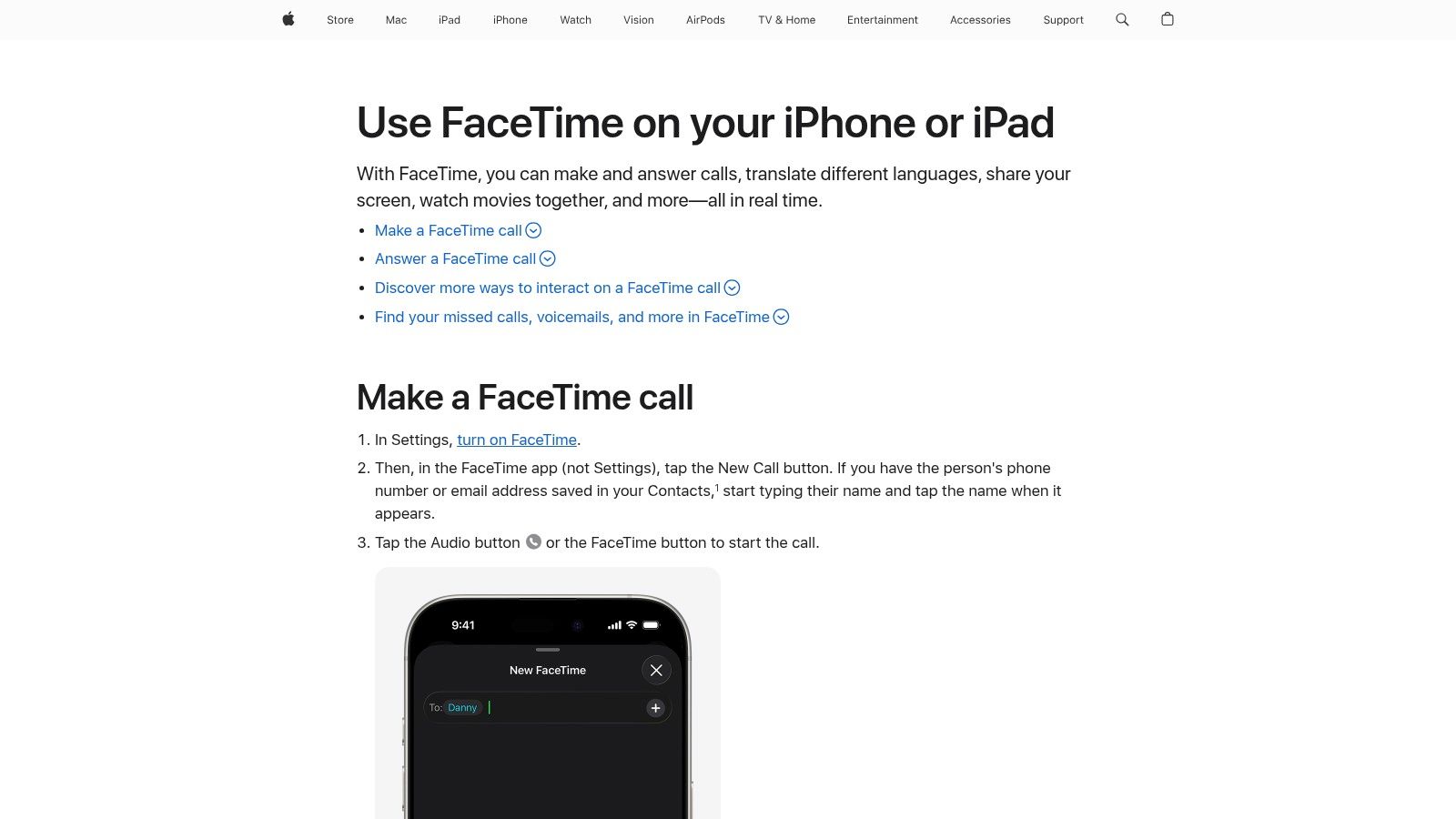
For those in the Apple ecosystem, FaceTime is the gold standard for free calls, offering exceptional quality and seamless integration across iPhone, iPad, and Mac. It provides end-to-end encrypted audio and video calls to other Apple users over Wi-Fi or mobile data, making it a go-to for travelers with Apple devices. Its reliability and simplicity are its greatest strengths, requiring no separate installation or account beyond your Apple ID.
Recent updates have expanded its reach, allowing you to create shareable links to invite Android and Windows users to join a call from their web browser. This has transformed FaceTime from an Apple-only tool into a more versatile option for mixed-platform group chats. Before traveling, ensure your device is set up correctly; understanding how to activate an eSIM on your iPhone can help you secure affordable data for crystal-clear calls abroad.
Key Features & Considerations
Call Type: Free audio and video calls between Apple devices, with web-based access for non-Apple users.
Security: All calls are protected with end-to-end encryption by default.
Cross-Platform Support: Native on all Apple devices; Android and Windows users can join via a web link.
Requirement: An Apple ID is needed on Apple devices to initiate calls.
Best For: Travelers primarily using Apple products, high-quality video chats, and quick calls to family and friends.
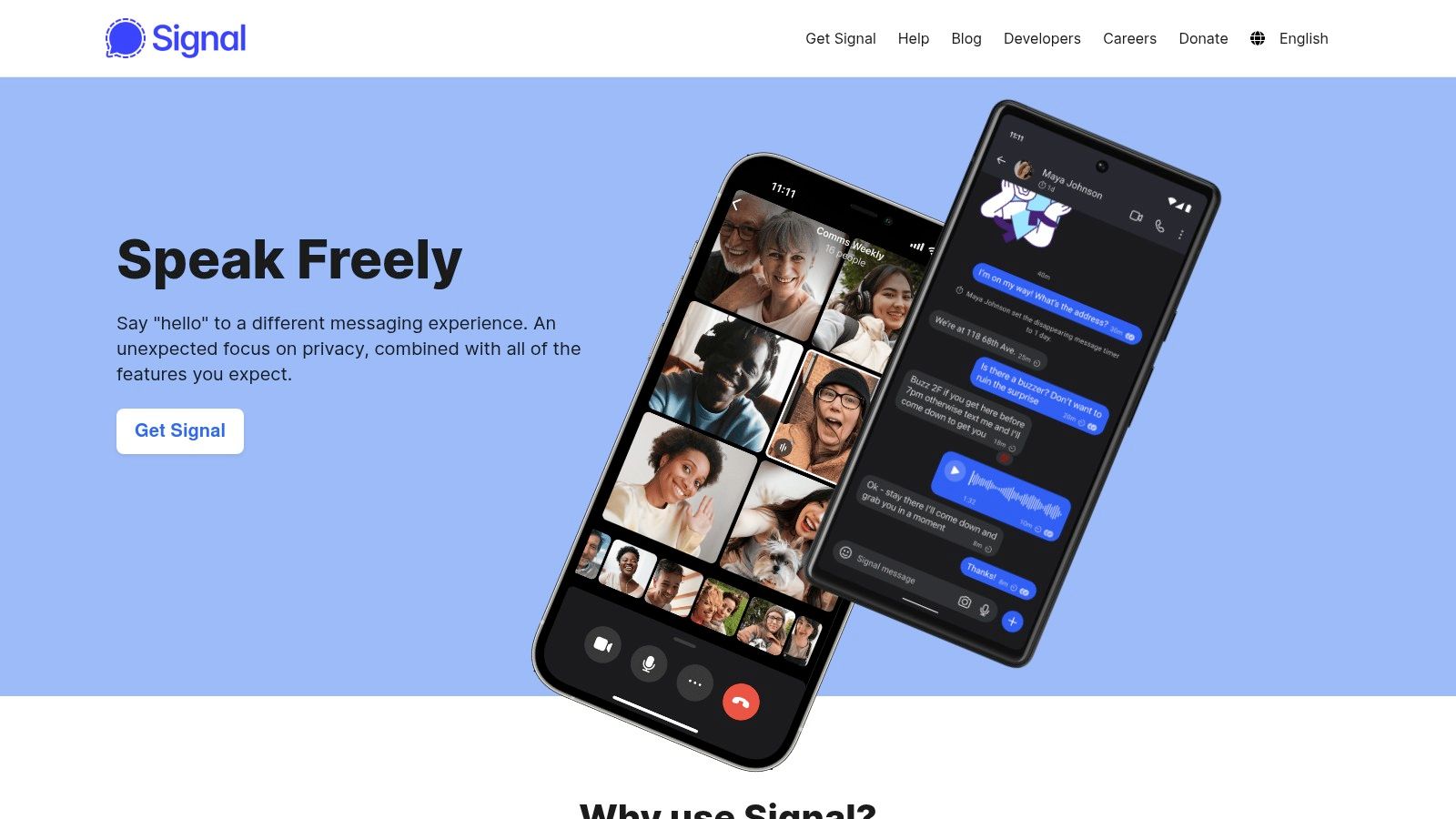
For travelers and remote workers who prioritize privacy above all else, Signal is the top choice among free calling apps. Its reputation is built on robust, open-source encryption, which is applied to all voice and video calls by default. Unlike many mainstream platforms, Signal is a non-profit and collects the absolute minimum amount of user data, making it a trusted choice for anyone concerned with digital surveillance.
The calling experience is clean and straightforward, working over Wi-Fi or mobile data to connect you with other Signal users anywhere in the world. While its user base is smaller than mainstream apps, its dedication to security is unmatched. To use it effectively while traveling, it’s best to encourage your key contacts to install and set up the app before you depart, ensuring your private conversations remain truly private, no matter where you are.
Key Features & Considerations
Call Type: Free, encrypted voice and video calls between Signal users (app-to-app).
Security: Widely regarded as a leader in privacy with end-to-end encryption and minimal data collection.
Cross-Platform Support: Available on iOS, Android, Windows, macOS, and Linux.
Requirement: A phone number is needed for registration, but the app is working towards a username-based system.
Best For: Security-conscious users, confidential business conversations, and anyone wanting to protect their call metadata.
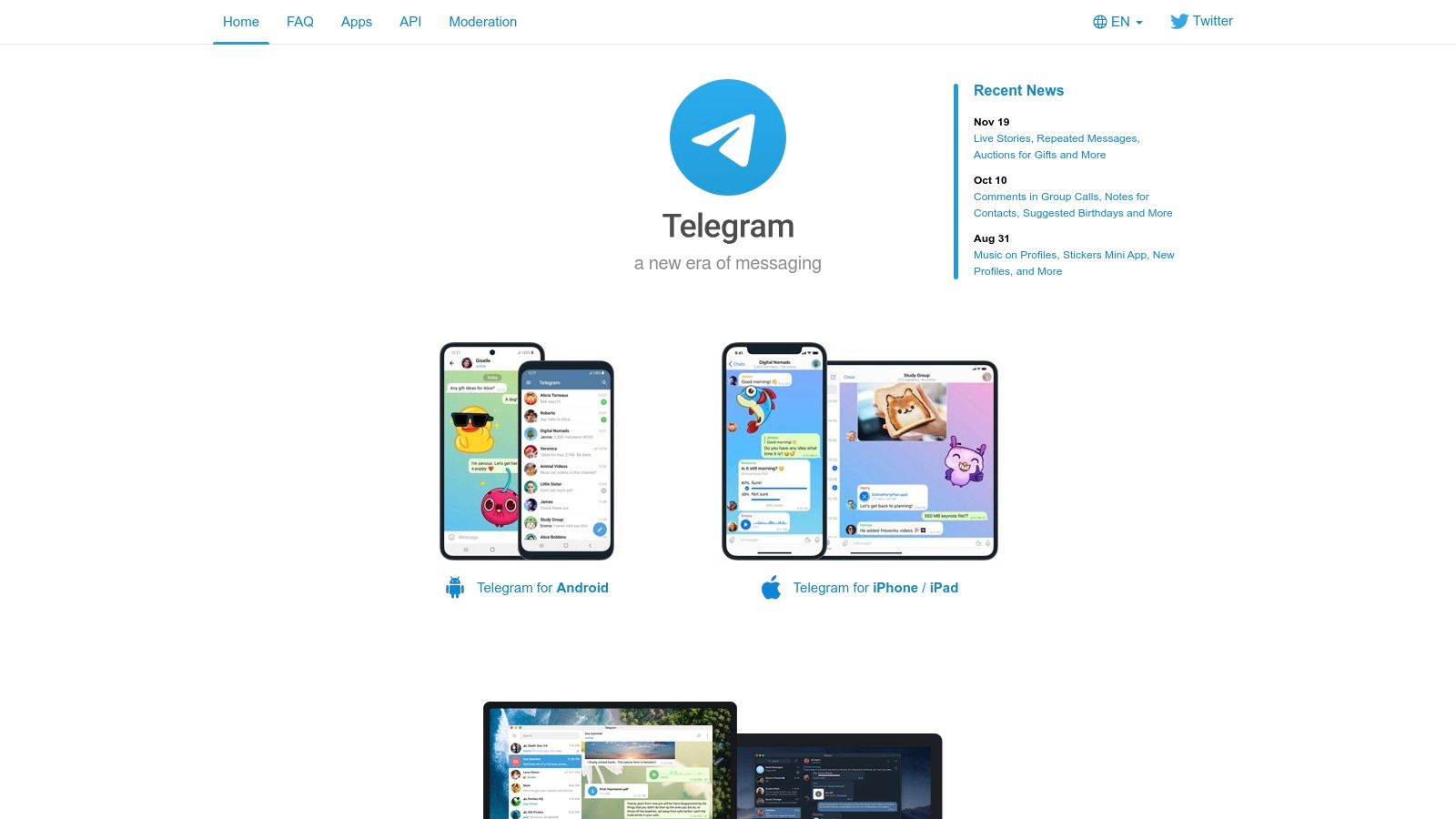
Telegram is a cloud-based messenger known for its speed and security features, making it a popular choice for travelers worldwide. As a free calling app, it provides high-quality, end-to-end encrypted voice and video calls to other Telegram users. Its strength lies in its fast performance, which ensures calls remain clear even on less stable networks—a common issue when traveling.
The platform operates seamlessly across all major devices, including iOS, Android, Windows, and macOS, with a powerful web version. This makes it an excellent tool for remote workers or travelers who need to switch between their phone and laptop. Set-up is simple, requiring a phone number for verification. A unique feature is the emoji verification system, where both parties see the same four emojis to confirm their connection is secure.
Key Features & Considerations
Call Type: Free voice and video calls are exclusively between Telegram users (app-to-app).
Security: Voice and video calls are end-to-end encrypted by default. However, standard chats are not, which is a key difference from apps like Signal.
Cross-Platform Support: Available on iOS, Android, Windows, macOS, and has a full-featured web client.
Requirement: A valid phone number is needed to create an account.
Best For: Secure one-to-one calls, community communication, and users who value fast performance and cross-device syncing.
Viber is a strong contender in the free calling apps space, particularly popular in parts of Europe and Asia. It functions similarly to its main competitors, offering free, encrypted voice and video calls to any other Viber user worldwide over Wi‑Fi or mobile data. Its key differentiator is the ‘Viber Out’ feature, which allows you to make low-cost calls to non-Viber users, including landlines and mobile numbers. This makes it a versatile tool for travelers who need to contact local businesses or contacts who don’t have the app.
The app offers reliable call quality and multi-device syncing, so you can start a chat on your phone and continue it on your desktop. While its user base might be smaller than WhatsApp’s in some countries, it’s an excellent choice if your international contacts already use it. As with any calling app, a stable data connection is crucial. For more advice on this, you can learn more about how to use your phone abroad.
Key Features & Considerations
Call Type: Free, encrypted app-to-app voice and video calls. Paid ‘Viber Out’ service for calling any landline or mobile number.
Security: End-to-end encryption is standard for private calls and chats.
Cross-Platform Support: Available on iOS, Android, Windows, and macOS with full sync.
Requirement: A phone number is required for registration. ‘Viber Out’ requires purchasing credit.
Best For: Travelers whose contacts are already on the platform or those needing an affordable option to call landlines abroad.
Originally popular in the gaming community, Discord has evolved into a powerful and versatile platform for group communication. Its unique server-based structure makes it one of the best free calling apps for ongoing group hangouts, remote teams, or digital nomad communities. Instead of one-off calls, users can join persistent voice channels that are always on, allowing friends or colleagues to drop in and out of conversations seamlessly.
The platform offers free voice calls, video chats, and screen sharing. Its real strength lies in its excellent audio quality and organizational tools, including moderation and permission controls. While more complex than a simple one-to-one calling app, its feature set is ideal for travelers wanting a dedicated space to connect with a specific group while abroad.
Key Features & Considerations
Call Type: Free app-to-app voice, video, and screen sharing in direct messages or dedicated server channels.
Security: Communication is encrypted, but it is not end-to-end encrypted by default like some other services.
Cross-Platform Support: Available on iOS, Android, Windows, macOS, and directly in a web browser.
Requirement: A free account using an email address is required for registration.
Best For: Persistent group voice hangouts, collaborative work sessions, and building online communities with integrated voice chat.
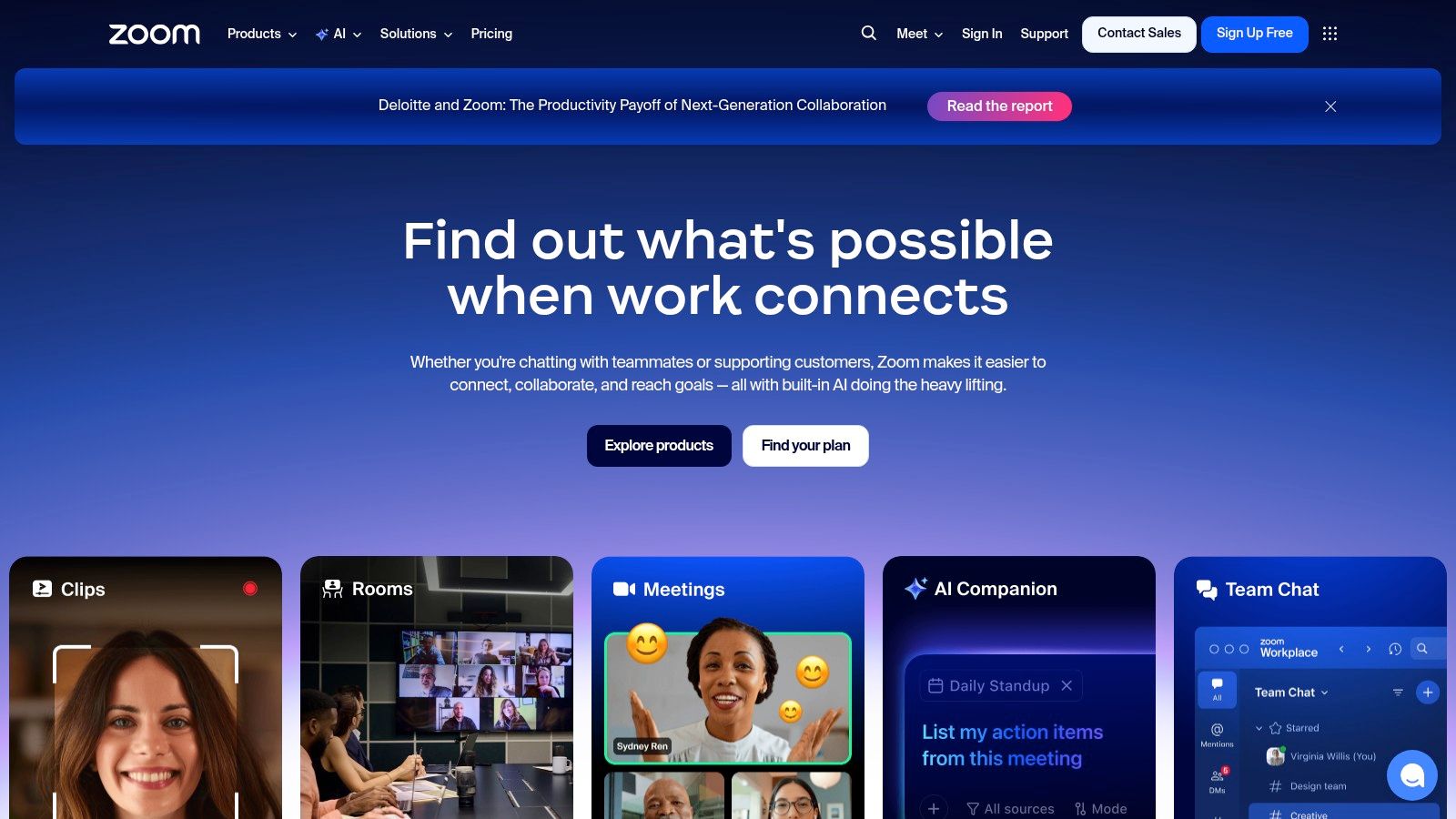
While primarily known as a video conferencing platform for business, Zoom has become a go-to tool for personal and group calls thanks to its reliable performance. Its free Basic plan is generous, making it one of the most versatile free calling apps for scheduled conversations or virtual family gatherings. You don’t need an account to join a meeting—just click a link—which is a major benefit for connecting with less tech-savvy friends or relatives abroad.
The platform is designed for stability, even on weaker Wi-Fi or mobile data connections, making it a dependable choice for travelers. While one-to-one calls are unlimited, group meetings on the free plan are capped at 40 minutes. This limitation makes it less ideal for lengthy, spontaneous group chats but perfect for organized, focused conversations where you need a stable connection.
Key Features & Considerations
Call Type: Unlimited one-to-one video and voice calls. Group meetings are free for up to 40 minutes with up to 100 participants.
Security: Offers options for passcodes and waiting rooms. End-to-end encryption is available but must be enabled by the host.
Cross-Platform Support: Works on iOS, Android, Windows, macOS, and directly in web browsers.
Requirement: A host needs an account, but participants can join a call without one using a meeting link.
Best For: Scheduled group video calls, virtual events, and reliable one-to-one conversations where ease of joining is a priority.
Evolving from a business tool into a comprehensive personal communicator, Microsoft Teams is a powerful option for travelers, especially those already using Microsoft services. The platform offers high-quality free video and voice calls, chat, and instant meetings, making it a versatile choice among free calls apps for both organized catch-ups and spontaneous conversations.
A key advantage for travelers is the “Meet now” feature, which lets you generate a shareable link that anyone can use to join a call via their web browser, even without a Microsoft account. This removes a significant barrier to entry. The free plan is generous, allowing group calls with up to 100 participants for up to 60 minutes—more than enough for most family check-ins or team collaborations on the road.
Key Features & Considerations
Call Type: Free app-to-app video and voice calls, plus link-based guest access for non-users.
Generous Limits: Group calls support up to 100 participants for 60 minutes on the free tier.
Cross-Platform Support: Available on iOS, Android, Windows, macOS, and through any modern web browser.
Requirement: A Microsoft account is needed to host calls, but guests can join without one.
Best For: Organizing calls with less tech-savvy relatives, professional meetings, and users integrated with Microsoft services.
While not as common in Europe or the Americas, LINE is a hugely popular app across Asia. For travelers heading to countries like Japan, Thailand, or Taiwan, it’s a must-have, as many local contacts and businesses use it as their primary communication tool. LINE offers free, high-quality voice and video calls to other users over Wi‑Fi or mobile data, making it a fantastic addition to your toolkit when traveling in the region.
Beyond calling, the app includes robust desktop clients for PC and Mac. A standout feature for travelers is ‘LINE Out’, a pay-as-you-go service for making affordable calls to non-LINE landline and mobile numbers worldwide. This provides a flexible backup for when you need to contact someone who doesn’t have the app.
Key Features & Considerations
Call Type: Free, unlimited voice and video calls between LINE users.
Outbound Calls: Optional ‘LINE Out’ feature provides low-cost, pay-per-minute calls to any phone number.
Cross-Platform Support: Available on iOS, Android, Windows, and macOS.
Requirement: A valid phone number is needed for the initial registration.
Best For: Travelers in Asia, staying in touch with contacts who primarily use LINE, and needing a flexible option for calls to regular phone numbers.
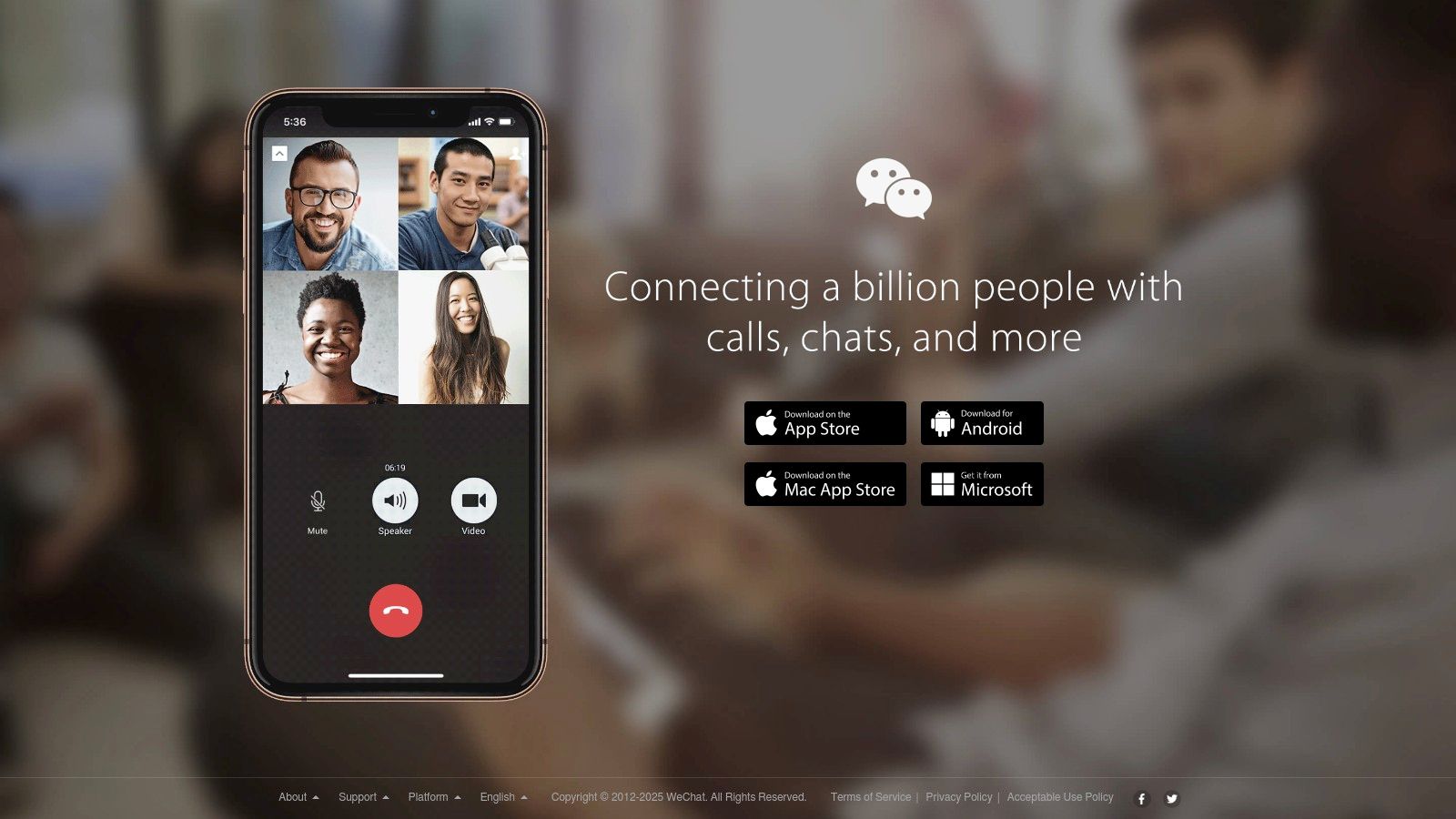
A dominant force in China and among Chinese communities worldwide, WeChat is an essential super-app that combines messaging, social media, payments, and free calls. For travelers heading to China or anyone needing to connect with contacts in the region, it’s often a non-negotiable tool. The app provides free, high-quality voice and video calls to any other WeChat user globally, using either a Wi‑Fi or mobile data connection.
WeChat’s strength lies in its ecosystem integration. Beyond just calls, it handles daily life within its interface, making it one of the most practical free calling apps for specific destinations. Both one-to-one and group calls are supported on mobile and desktop clients. Registration requires a phone number, so it’s wise to set it up well before you travel.
Key Features & Considerations
Call Type: Free voice and video calls are strictly app-to-app between WeChat users.
Security: Unlike many competitors, communications are not end-to-end encrypted by default.
Cross-Platform Support: Available on iOS, Android, Windows, and macOS.
Requirement: A valid phone number and a WeChat account are necessary for use.
Best For: Essential communication for travelers in China and for connecting with contacts who primarily use the WeChat ecosystem.
12. Google Meet
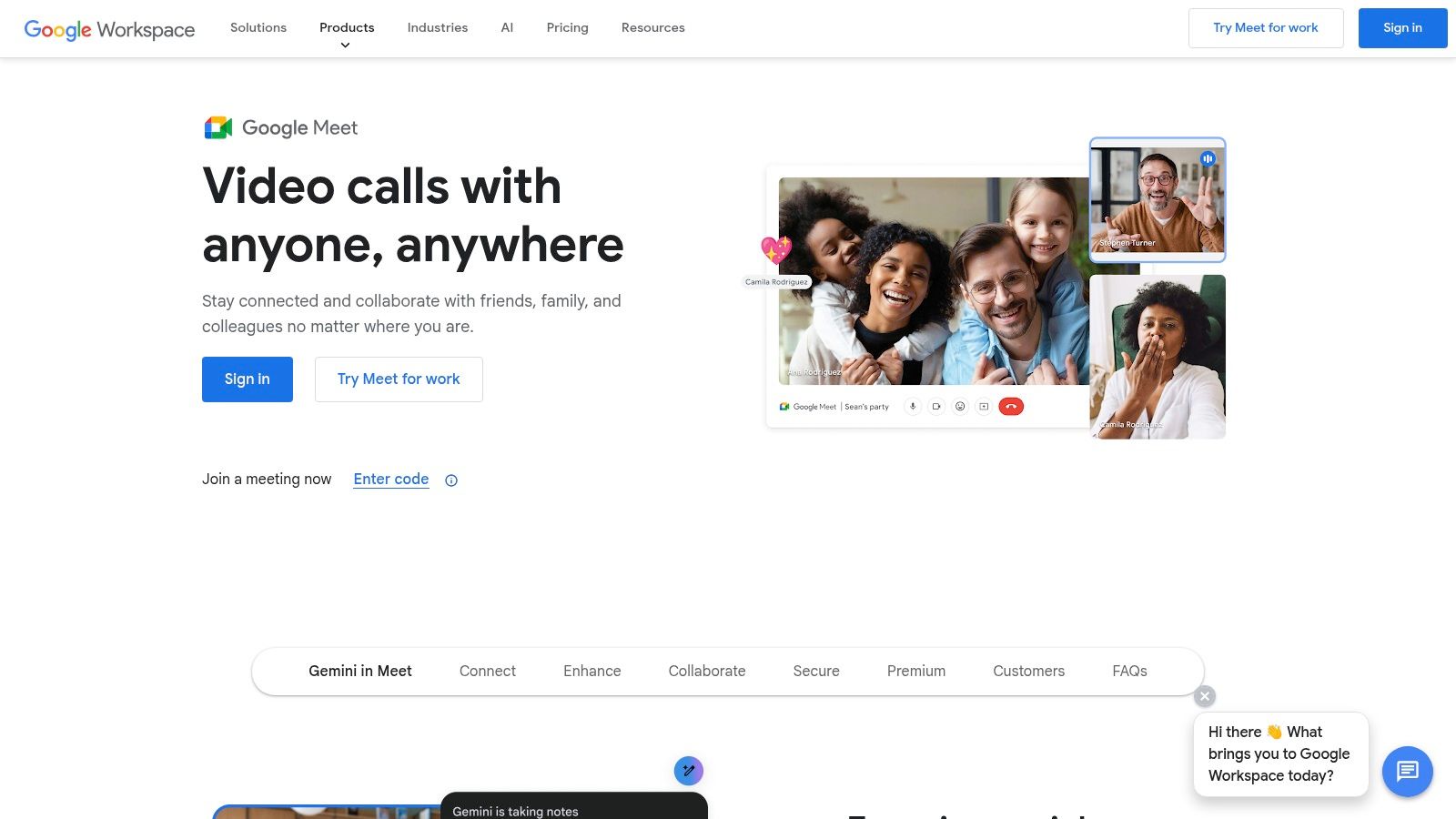
Primarily known for business meetings, Google Meet has evolved into a powerful and accessible tool for personal communication, making it one of the most reliable browser-based free calling apps. Its major advantage is that desktop users don’t need to install anything; a call can be started or joined directly from a web browser. It supports group calls with up to 100 participants for 60 minutes on its free tier, which is more than enough for most personal catch-ups.
For travelers and remote workers already using Gmail and Google Calendar, the seamless integration is a huge plus, allowing you to schedule calls and join meetings with a single click. While advanced features like call recording are reserved for paid plans, the core functionality is robust, secure, and incredibly convenient for planned video chats. Easy guest access means you can invite anyone to a call, even if they don’t have a Google account.
Key Features & Considerations
Call Type: Free video and audio meetings between users (app-to-app or browser-to-browser).
Security: All calls are encrypted in transit between the client and Google.
Cross-Platform Support: Works on all major web browsers, iOS, and Android.
Requirement: A Google account is needed to host calls, but guests can join without one.
Best For: Scheduled group video calls, virtual family gatherings, and professional meetings where participants may not have a specific app installed.
The digital age has fundamentally transformed how we connect while traveling. Gone are the days of expensive international calling cards and searching for a payphone. The landscape of free calls apps is vast and varied, offering a powerful toolkit for any traveler, digital nomad, or remote worker looking to stay in touch without breaking the bank.
From the universal reach of WhatsApp to the privacy-focused security of Signal and the business-centric features of Microsoft Teams, there is an application for every need. Your choice depends on your priorities: are you making quick calls home to family, joining a critical business meeting, or coordinating with fellow travelers? The key is to understand each platform’s data use, security, and user base.
Key Takeaways for Smart Travel Communication
Before you embark on your next journey, keep these core principles in mind to ensure your communication strategy is both effective and affordable.
Preparation is Paramount: Don’t wait until you’re abroad to download and set up your chosen apps. Install them before you leave, verify your phone number, and get familiar with the interface. This simple step prevents frustrating setup issues when you might not have reliable connectivity.
Context is King: The best app for a one-to-one video call with a loved one (like FaceTime) is rarely the best for a multi-person business conference (like Google Meet). Match the tool to the task, considering who you are calling and the nature of the conversation.
Understand the “Free” Model: Remember that “free” means you’re not paying call charges, but you are using data. While app-to-app calls are always free over Wi-Fi, using mobile data will consume your allowance. Be mindful of your data usage, especially for video calls, to avoid unexpected costs.
Choosing Your Go-To App
Making the right choice comes down to your personal and professional needs. If your entire family uses iPhones, FaceTime is a seamless, high-quality option. For connecting with a global network of friends, WhatsApp’s ubiquity is unmatched. If your work revolves around the Microsoft or Google ecosystems, Teams and Meet offer unparalleled integration.
The most important takeaway is that a reliable internet connection is the non-negotiable foundation for all these tools. Public Wi-Fi is a useful fallback, but it can be slow, insecure, and unreliable. For guaranteed connectivity from the moment you land, a travel eSIM provides the freedom and flexibility modern travelers demand. With TapSim, travelers can activate data instantly before takeoff. By pairing the right free calls apps with a dependable data source, you can navigate the world with the confidence that you are always just a tap away from a clear, stable connection.
Ready to make your calls seamless and stress-free on your next trip? The foundation of every great call is a reliable internet connection. With TapSim, you can activate an affordable, high-speed data plan in minutes, ensuring you are connected the moment you land. Visit TapSim to find the perfect eSIM for your destination and travel with confidence.
You’ve just landed in a new country, phone in hand, but the internet isn’t working. It’s a modern traveler’s nightmare, but don’t worry—the fix is usually surprisingly simple. Before you…
Dual SIM technology is a bit like having a hybrid car. It intelligently switches between two power sources to give you the best performance and efficiency. For your phone, this…
Figuring out how much data you’ll need for a trip can feel like a shot in the dark, but it really doesn’t have to be. For a standard week-long holiday,…
For any traveler, the best pay-as-you-go (PAYG) option is almost always a modern eSIM. Think about it from a practical standpoint: you get instant activation right from your phone, transparent…
Getting a new iPhone is always exciting, but for a traveler, ensuring your eSIM transfers smoothly is crucial. Whether it’s your primary number or a travel data plan for an…
Activating a travel eSIM is one of the smartest pre-trip tasks you can do, and it’s much simpler than it sounds. Think of it as a digital SIM card that…
Not long ago, staying connected abroad meant navigating a minefield of eye-watering roaming charges or scrambling to find a local SIM card the moment you landed. Thankfully, things have moved…