How to Turn Off Data Roaming and Avoid Costly Travel Fees
Share:
We’ve all heard the horror stories: a fantastic trip ruined by the thud of a massive phone bill landing on the doormat a week later. That classic travel nightmare is entirely avoidable, and it starts with one simple action: turning off data roamingbefore you even leave for the airport.
This little toggle in your phone’s settings is your best defence against eye-watering charges from foreign mobile networks.
Why Turning Off Data Roaming Is a Must for Travelers
Leaving data roaming on is an expensive mistake because your phone is a data-hungry device, constantly working in the background even when it’s just in your pocket. These hidden activities can quietly drain your bank account without you ever consciously using the internet.
So, what’s really going on?
App Updates: Your apps don’t take a holiday. They’ll keep updating themselves automatically over a foreign network if you let them.
Background Refresh: Think about your email, social media, and news apps. They’re always fetching new content so it’s instantly available when you open them.
Cloud Sync: Every photo or video you take is probably being synced to iCloud or Google Photos. That’s a huge amount of data being used without you even realising.
Location Services: Even when you’re just wandering through a new city, apps like Google Maps are using data to track your location.
The Ever-Growing Risk of Roaming Bills
At home, our data consumption has exploded. The average smartphone user now gets through a huge amount of data each month. We’re used to streaming, sharing, and scrolling without a second thought, and those habits don’t magically disappear when we go abroad.
This is precisely why accidental roaming has become so financially dangerous. If you want to dive deeper into the mechanics, you can learn more about how data roaming works.
What this surge in data use means is that even a short period of unchecked roaming—a few hours, maybe even less—can easily result in a bill for hundreds of dollars.
Simply put, what used to be a minor travel inconvenience is now a major financial gamble. Getting into the habit of turning off data roaming is the single most effective thing you can do to protect your budget.
With just a couple of taps, you can save yourself a world of financial stress and get back to actually enjoying your trip.
How to Switch Off Data Roaming on Your iPhone
Diving into your iPhone’s settings might seem like a maze, but switching off data roaming is one of the quickest, most important things you can do before travelling. Honestly, it takes less than a minute and can save you a nasty bill shock when you get back home.
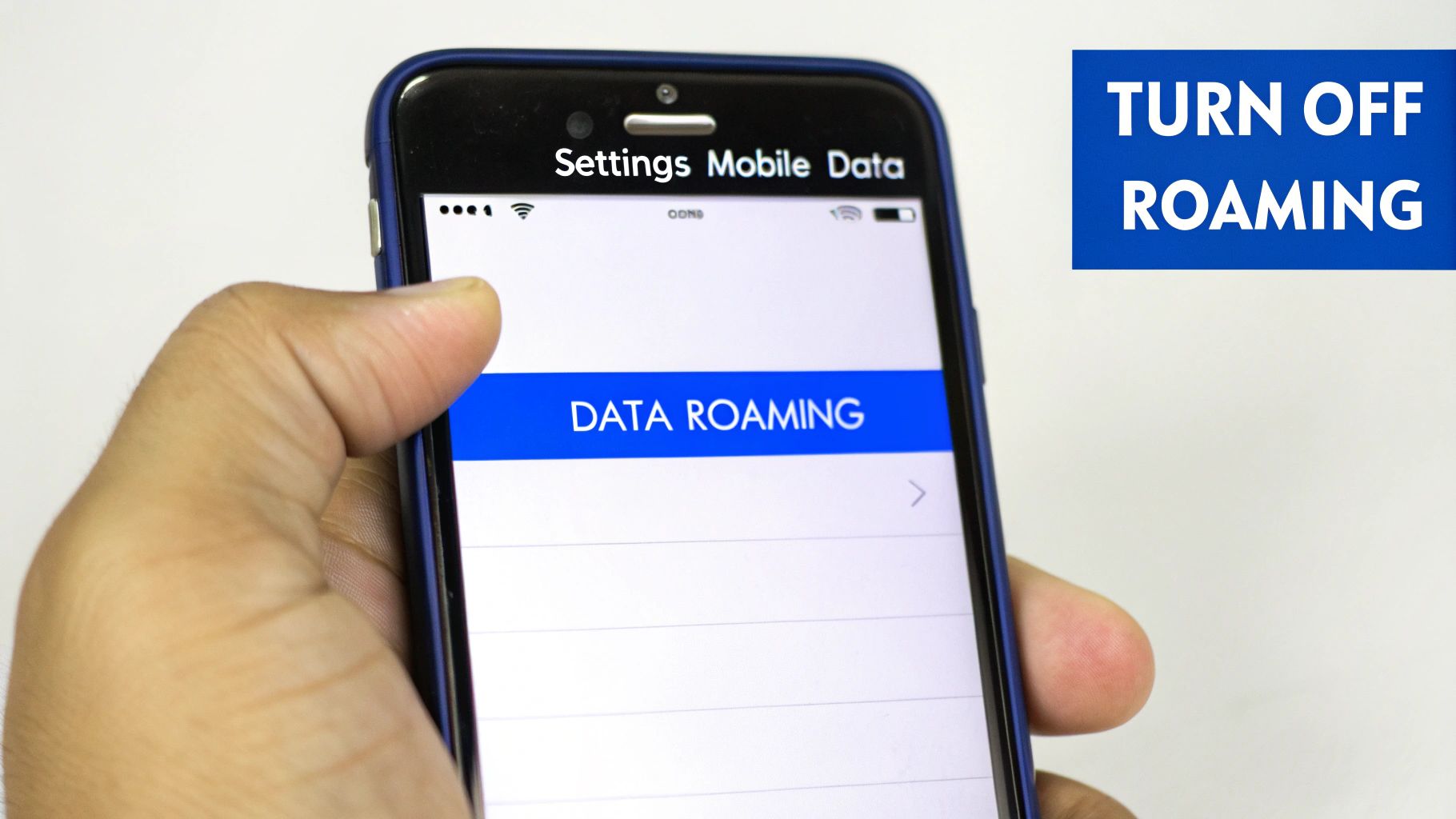
The key toggle is just a few taps away. Open your Settings app, head into Mobile Data (you might see it as Cellular), and then tap on Mobile Data Options.
Inside, you’ll find the Data Roaming switch. A simple tap will flick it from green to grey, which instantly stops your phone from racking up charges on foreign networks.
For most travelers, seeing that switch in the grey (off) position is the final peace-of-mind check before setting off on a trip.
What About Dual SIMs and eSIMs?
If you have a newer iPhone, you’ve probably got dual SIM or eSIM capabilities. This is a game-changer for travelers because you can use a travel eSIM for affordable data and keep your home number active for calls. But you have to set it up correctly.
With two lines active, you need to manage each one individually. Here’s a practical way to do it:
First, go to Settings > Mobile Data.
Select your primary SIM (the one from home).
Double-check that Data Roaming is firmly switched off for this line.
Now, select your travel eSIM line.
For this one, make sure Turn On This Line is enabled and that Data Roaming is turned on.
The final, crucial step is to go back to the main Mobile Data menu and set your Mobile Data source to use the travel eSIM. This tells your iPhone to use the affordable travel plan for all your internet needs, shielding your home plan from any data use whatsoever.
This simple setup gives you the best of both worlds. You’re still reachable on your normal number if needed, but all your mapping, browsing, and social media posting runs through a cost-effective travel data plan. It’s the smart way to stay connected without the fear of a massive bill.
Disabling Data Roaming on Android Devices
One of the great things about Android is the sheer variety, but it does mean the steps to turn off data roaming can differ slightly from one phone to the next. Whether you’re using a Samsung, a Google Pixel, or another brand, the setting is always there—it just might be tucked away in a slightly different spot.
Don’t worry, though; the general path is almost always the same.
You’ll want to start by opening your main Settings app. From there, look for a menu that sounds like Connections or Network & Internet. This is your command centre for everything related to mobile data and Wi-Fi.
Once you’re in, tap on Mobile Networks or a similar option like SIMs. You should see the all-important Data Roaming toggle switch. A quick tap will turn it off, instantly preventing your phone from racking up unexpected charges when you’re abroad.
Managing Dual SIM and Travel eSIMs on Android
Most new Android phones come with dual SIM or eSIM capabilities, which is a game-changer for travelers. You can pop in a local or travel eSIM for affordable data while keeping your home number active for calls and texts. But this fantastic flexibility means you need to be a little more careful to avoid accidental roaming on your primary line.
You need to tell your phone exactly which SIM to use for data.
Here’s the best way to manage your two lines and stay in control:
Set Your Primary Data Source: Head into Settings > Network & Internet > SIMs. Look for an option called Mobile data. Tap it and choose your new travel eSIM. This simple action tells your phone to direct all its internet traffic through your affordable travel plan.
Check Roaming on Each SIM: This part is crucial. In that same SIMs menu, first select your primary (home) SIM. Find the Data Roaming toggle for that line and double-check it’s switched firmly off. Now, go back and select your travel eSIM. For this one, you need to make sure Roaming is switched on so it can connect to local partner networks at your destination.
This two-step check is your financial safety net. By explicitly setting your data source and disabling roaming on your home SIM, you get complete peace of mind. Go ahead and browse, use maps, and post your travel photos without a single worry about the bill waiting for you back home.
Getting this right is a key part of learning how to use your phone abroad without any of the usual stress. With a travel eSIM handling all the data, your primary SIM is safely ring-fenced from those eye-watering roaming fees.
Finding Better Ways to Get Online Abroad
So, you’ve figured out how to switch off data roaming on your phone. Great. But now what? How do you actually stay connected without racking up a massive bill?
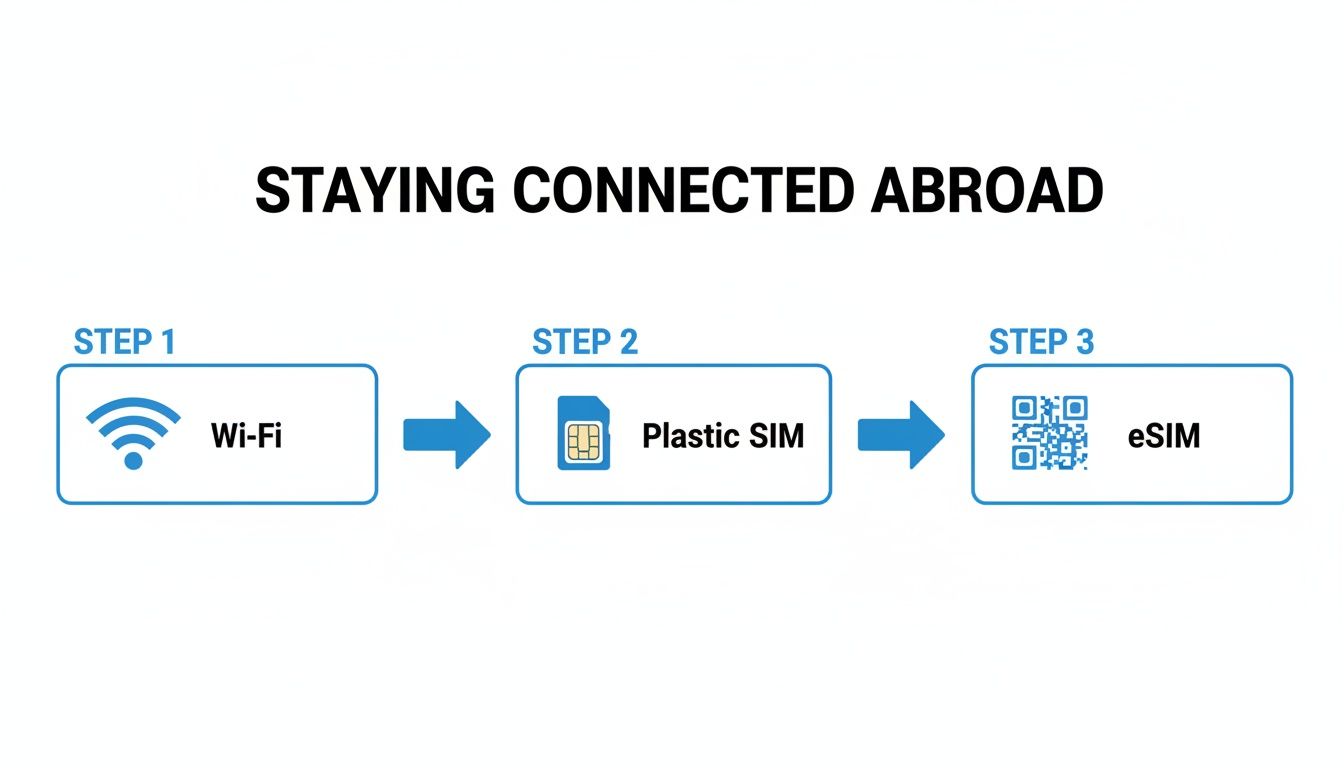
For a long time, the go-to options were pretty clunky. You’d either spend half your trip hunting for sketchy public Wi-Fi or fumbling with a tiny new SIM card you just bought from a kiosk at the airport. They get the job done, but it’s hardly a smooth or secure experience.
Thankfully, there’s a much more elegant solution that sidesteps the whole roaming issue: travel eSIMs.
An eSIM, or embedded SIM, is basically a digital SIM card that’s already built into your phone. It lets you download a data plan for your destination without ever needing to physically swap out your SIM. You can land in Tokyo, Paris, or pretty much anywhere else and get online with affordable, fast data in minutes.
The Modern Traveler’s Toolkit
The whole process is incredibly straightforward. You can browse and buy a data plan for your trip before you even leave home. With a service like TapSim, you can activate your data instantly. No surprise fees, no complicated contracts—just simple, prepaid data that puts you in control.
This approach has some serious advantages over the old-school methods:
Instant Connection: Get online the moment you land, without wasting time in an airport queue.
No Bill Shock: You buy a set amount of data upfront, so it’s literally impossible to overspend.
Keep Your Own Number: Your main SIM card stays active in your phone, meaning you can still get calls and texts on your usual number.
Safer Browsing: You won’t have to rely on unsecured public Wi-Fi networks in cafes, hotels, or airports.
Why This Matters More Than Ever
For travelers everywhere, finding a smarter solution is becoming essential. The global data roaming market is ballooning, expected to grow from $89.43 billion in 2024 to $95.43 billion in 2025. Evolving carrier policies mean roaming charges can change unexpectedly, making it harder to predict costs. You can discover more insights about the data roaming market and see just how costs are shifting for travelers.
Using a travel eSIM isn’t just a neat trick for convenience; it’s a practical defence against soaring roaming charges. It gives you back control, offering a fair and transparent way to get online wherever your journey takes you.
Your Pre-Flight Connectivity Checklist
You’ve packed your bags and your passport is ready. Before you head to the airport, it’s worth taking just two minutes for a final connectivity check on your phone. Getting this sorted now means you can land, switch on your phone, and start your holiday without worrying about surprise data charges.
First, get to know the little ‘R‘ symbol. If you see this pop up next to your signal bars after you land, it means you’re roaming on a partner network. If you haven’t bought a specific travel data plan, that ‘R‘ is your cue to dive back into your settings and make sure roaming is definitely off.
These days, staying connected abroad is easier than ever, moving from hunting for public Wi-Fi to the seamless control you get with a travel eSIM.
A Few Last-Minute Data-Saving Tricks
Turning off roaming is the biggest step, but a couple of other small tweaks can save a surprising amount of data and even stretch your battery life. I always do these before a long flight.
Download everything you need beforehand. While you’re still on your home Wi-Fi, grab offline maps on Google Maps, download your travel playlists from Spotify, and save a few films or series on Netflix for the journey.
Tweak your app settings. Head into your phone’s settings and turn off ‘Background App Refresh’ or restrict background data for apps that are known data hogs (like Instagram and Facebook). This stops them from quietly syncing in the background and eating up data you didn’t know you were using.
To make it even easier, here’s a quick table to run through just before you switch to flight mode. It’s the final check to ensure everything is set correctly.
Final Pre-Flight Roaming Checklist
Setting to Check
Where to Find It on iPhone
Where to Find It on Android
Data Roaming
Settings > Mobile Data > Mobile Data Options
Settings > Network & internet > SIMs
Travel eSIM/SIM
Settings > Mobile Data > SIMs (Ensure primary is off)
Settings > Network & internet > SIMs (Toggle correct one)
Background Refresh
Settings > General > Background App Refresh
Settings > Apps > [Select App] > Mobile data & Wi‑Fi
Running through this list takes less than a minute but gives you complete peace of mind.
Think of this checklist as the digital equivalent of checking you’ve packed your passport. It’s a small step that prevents big headaches later, ensuring a smoother, more relaxed start to your adventure.
Your Data Roaming Questions, Answered
Even when you think you’ve got it all sorted, a few questions always seem to pop up right before a trip. Let’s tackle some of the most common ones so you can head off with total peace of mind.
If I Turn Off Data Roaming, Will I Still Get Calls and Texts?
Yes, you absolutely will. Turning off data roaming purely stops your phone from using the internet over a foreign mobile network. Your normal ability to make phone calls and send traditional SMS texts isn’t affected.
Just be careful, though. Your home provider will probably charge you a premium for those calls and texts. Remember, apps that need the internet, like WhatsApp or iMessage, will only work when you’re on Wi-Fi or have a separate travel data plan running.
What Happens If I Forget to Turn It Off?
Forgetting to switch off data roaming is an easy mistake that can get expensive, fast. As soon as you land, your phone can connect to a local network and start pulling data for background updates, app notifications, and emails. Those charges can rack up before you’ve even left the airport.
Roaming charges can be unpredictable and vary wildly by destination and carrier. Some travelers have faced bills in the hundreds or even thousands of dollars after just a short trip. It’s a bill you really don’t want waiting for you at home.
Can I Use an eSIM and My Regular SIM at the Same Time?
You certainly can, and for frequent travelers, it’s the best way to do it. If you have a dual-SIM phone, you can keep your main SIM active for calls and texts from home while using a travel eSIM for affordable local data.
It’s a straightforward setup. Just dive into your phone’s settings and tell it to use the eSIM for all mobile data. At the same time, make sure data roaming is switched off for your primary SIM. It’s the perfect combination: you get affordable data without missing any important calls or messages on your usual number.
Ready to travel without the roaming stress? With TapSim, travelers can activate affordable data instantly, right from their phone.
You’ve just landed in a new country, phone in hand, but the internet isn’t working. It’s a modern traveler’s nightmare, but don’t worry—the fix is usually surprisingly simple. Before you…
Dual SIM technology is a bit like having a hybrid car. It intelligently switches between two power sources to give you the best performance and efficiency. For your phone, this…
Figuring out how much data you’ll need for a trip can feel like a shot in the dark, but it really doesn’t have to be. For a standard week-long holiday,…
For any traveler, the best pay-as-you-go (PAYG) option is almost always a modern eSIM. Think about it from a practical standpoint: you get instant activation right from your phone, transparent…
Getting a new iPhone is always exciting, but for a traveler, ensuring your eSIM transfers smoothly is crucial. Whether it’s your primary number or a travel data plan for an…
Activating a travel eSIM is one of the smartest pre-trip tasks you can do, and it’s much simpler than it sounds. Think of it as a digital SIM card that…
Not long ago, staying connected abroad meant navigating a minefield of eye-watering roaming charges or scrambling to find a local SIM card the moment you landed. Thankfully, things have moved…