Best eSIM for Europe Trip: What to Pick
Looking for the best esim for europe trip plans? Compare coverage, speed caps, hotspot rules, and pricing to avoid roaming fees and surprises.

You land after a long flight, switch off airplane mode, and realize your phone still has no usable data. Now you are hunting for airport Wi-Fi, trying to read setup instructions on a frozen screen, or comparing overpriced kiosk plans while jet-lagged. That is exactly why smart travelers install eSIM before travel instead of waiting until they arrive.
If your phone supports eSIM, setting it up ahead of time is one of the simplest ways to remove friction from an international trip. You do the work while you still have reliable Wi-Fi, time to check your settings, and access to support if something looks off. Then, when you land, your data plan is ready to activate and your phone is ready to connect.
The biggest reason is simple: travel days are already messy enough. Flights change, airport Wi-Fi is unreliable, and some arrivals halls make it strangely hard to find a decent mobile setup option. Installing before you leave turns a rushed airport task into a calm five-minute job at home.
There is also less room for error. If you wait until arrival and run into a compatibility issue, a QR code problem, or a setting you forgot to change, you are solving it in the least convenient moment possible. Before departure, you can check whether your phone is unlocked, confirm that your device supports eSIM, and review activation instructions without pressure.
Cost is another factor. Roaming with your home carrier often feels easy right up until the bill shows up. Local SIMs can be cheap in some countries, but not always, and finding the right one after a flight is not everyone’s idea of a smooth arrival. Prepaid travel eSIMs are popular because they trade that uncertainty for a clearer setup and clearer pricing.
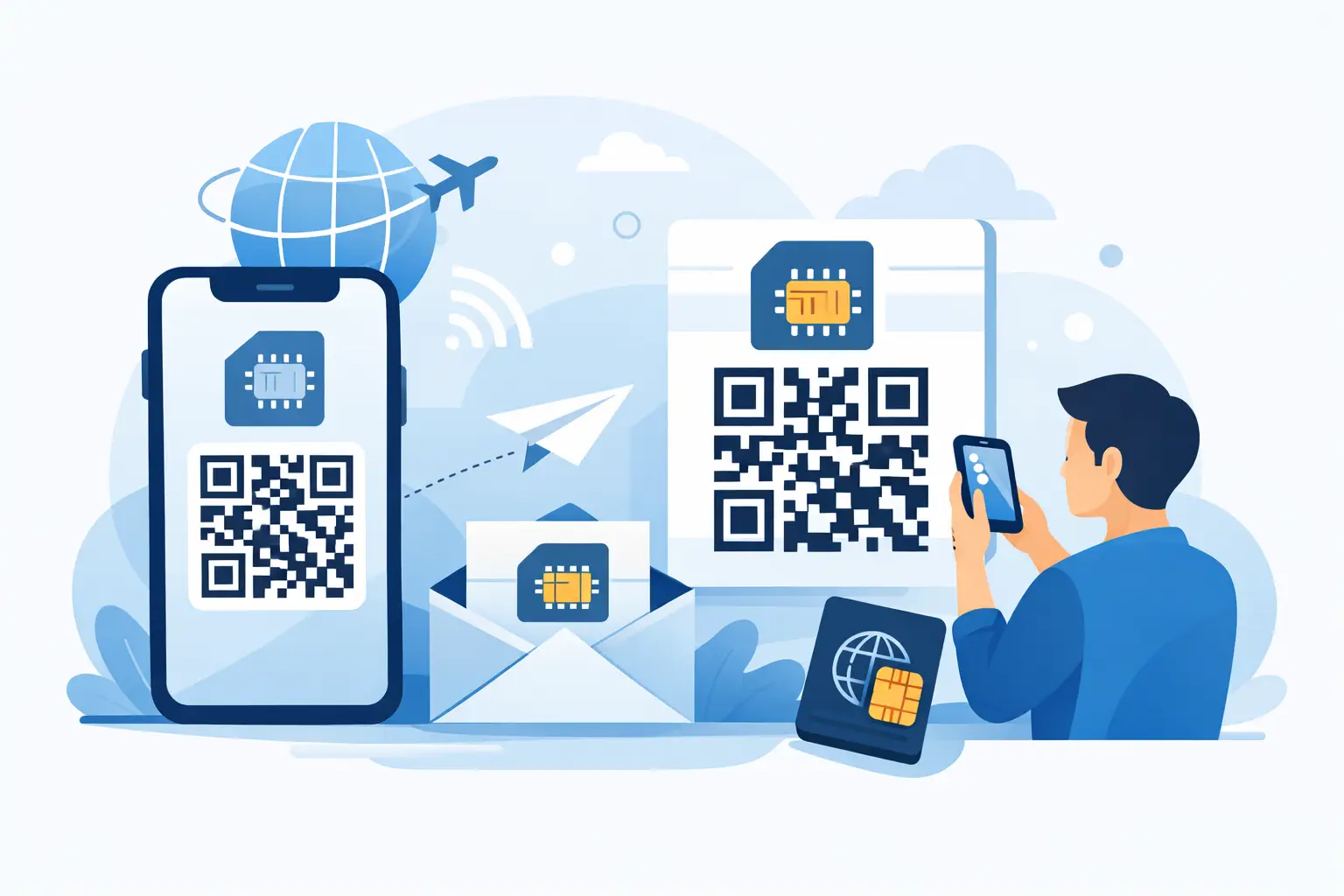
Installing an eSIM does not always mean it starts using data immediately. In many cases, installation and activation are separate steps. You scan the QR code, add the eSIM profile to your phone, label it, and adjust your settings. Then the plan activates either when you arrive, when you turn on the line, or when it first connects to a supported network, depending on the provider.
That distinction matters. A lot of travelers avoid early setup because they think they will waste days on the plan before the trip starts. Sometimes that concern is valid, which is why reading the activation policy matters. But many travel eSIMs are designed specifically for pre-trip installation and arrival-based use.
The practical advantage is huge. Once the eSIM is already installed, your arrival routine is usually just a settings check. Turn on the eSIM line, confirm data roaming is enabled for that travel line if required, and let the phone connect. That beats trying to scan a QR code from a second device in the middle of an airport.
Waiting is not always a disaster. Plenty of travelers do it and get online eventually. But the trade-off is that you are stacking small risks at the exact moment you need connectivity most.
The first risk is losing access to instructions. If your confirmation email, QR code, or setup guide is online and you cannot connect, you are stuck. Screenshots help. Printing helps. Installing early helps more.
The second risk is bad decision-making under pressure. When you are tired, late, or trying to coordinate transportation, you are more likely to choose a plan you do not fully understand. That is where hidden speed caps, misleading unlimited claims, or extra charges tend to slip past people.
The third risk is troubleshooting without a safety net. A missed setting is usually easy to fix. A locked device is not. An unsupported handset is not. It is far better to discover those issues before you leave your home country.
Start with the basics. Make sure your phone supports eSIM and that it is carrier-unlocked. Those two checks solve most setup confusion before it starts.
Next, buy your travel plan with enough time to read the instructions carefully. Do not wait until the night before a 6 a.m. flight if you can avoid it. Once you receive the QR code, install the eSIM while connected to stable Wi-Fi. Most phones guide you through it in a minute or two.
After installation, label the line clearly. Use the destination name or something simple like “Travel Data.” That sounds minor, but it makes settings much easier to manage later.
Then review your mobile data setup. On many phones, you can keep your primary number active for calls and texts while using the travel eSIM for data. That can be convenient, but it depends on your carrier and can expose you to roaming charges if you leave the wrong line handling the wrong service. Be intentional here.
Before departure, save a copy of the QR code and setup instructions offline. Take screenshots. Email alone is not a backup plan if you cannot get online.
The most common eSIM problems are not dramatic technical failures. They are small settings issues.
If your eSIM is data-only, do not expect it to provide a local voice number. That is normal. Travelers who need regular calling usually rely on apps, Wi-Fi calling, or their primary line, depending on the situation.
You should also understand which line is assigned to mobile data, which line handles voice, and whether data switching is turned on. If your phone automatically switches back to your home SIM for data, you can end up paying for roaming by accident.
Another overlooked point is hotspot use. Some plans allow it, some restrict it, and some cap speeds after a certain point. Honest providers spell this out. If you are a remote worker or traveling with a laptop, check that before you buy, not after.
Not all travel data plans are sold the same way. Some use the word unlimited very loosely. You get high-speed data for a short stretch, then much slower service after that. Sometimes that is still fine for maps and messaging. Sometimes it is a bad fit if you are working, tethering, or uploading files.
That is why the best plan is not always the biggest number or the loudest claim. It is the plan that tells you exactly what you are getting – how much data, what happens after fair-use limits, whether hotspot is allowed, and how activation works.
For travelers, clarity beats marketing every time. A straightforward prepaid plan with published limits is easier to trust than a vague promise that sounds great and disappoints later. That no-surprises approach is one reason companies like TapSim focus so heavily on plain terms and setup-before-you-go convenience.
There are a few cases where you should pause before you install eSIM before travel.
If your provider starts the validity period at installation rather than at first network connection, installing too early could waste part of the plan. If your trip is still far away, wait until you are within the safe setup window.
If you are traveling through several countries, make sure your plan covers all of them or decide where you want service to begin. Regional plans can be efficient, but only if the coverage matches your route.
And if your phone is employer-managed or locked under a financing agreement, confirm you actually have permission and compatibility before purchase. That is not exciting advice, but it prevents the worst surprises.
The goal is not just to have data. It is to reduce friction when you arrive. You want maps that load, ride-share apps that work, hotel messages that come through, and the ability to contact someone if plans change.
Installing ahead of time helps you get that without a scramble. It gives you time to verify the basics, understand the plan, and avoid paying for convenience with hidden costs later. More than anything, it shifts mobile setup from a travel-day problem to a solved problem.
That is the real reason to prepare early. Good travel days are not built on luck. They are built on fewer avoidable problems, and mobile data is one of the easiest ones to take care of before you ever leave home.