eSIM for Business Travel: What to Know
Learn how esim for business travel cuts roaming costs, speeds arrival setup, and keeps teams connected with clear data limits and fewer surprises.


You usually find out too late. A few map checks, some ride-share requests, a day of background app syncing, and then your carrier bill lands with a number that makes the whole trip feel more expensive than it was. If you want to avoid roaming charges overseas, the fix is not complicated – but it does require a little setup before takeoff.
The biggest mistake travelers make is assuming they will “just use a little data.” That rarely holds up in real life. Phones are busy even when you are not. Photos back up. Email refreshes. Messaging apps pull media. Maps cache new routes. If your home carrier charges international roaming rates, small usage can turn into a large bill fast.
Roaming starts when your phone connects to a foreign mobile network through your home carrier’s agreements. That sounds convenient, and sometimes it is. It is also where costs get slippery. Some carriers sell daily passes that look reasonable until a longer trip stretches them into a high total. Others charge per megabyte, which is where things get ugly fast.
The problem is not just the sticker price. It is the lack of control. Many travelers do not know exactly when roaming starts, what counts toward charges, or whether their plan includes hidden caps. “Unlimited” is often not unlimited in any practical sense. Speeds may slow down after a small threshold, hotspot access may be blocked, and fair-use terms can be vague.
That is why the best strategy is simple: do not rely on default roaming if you can avoid it.
The cleanest option is to set up travel data before you leave. For most modern phones, that means using an eSIM or travel SIM with a prepaid data plan in the country or region you are visiting. You pay upfront, you know the allowance, and you are not waiting for your home carrier to explain a surprise charge after the trip.
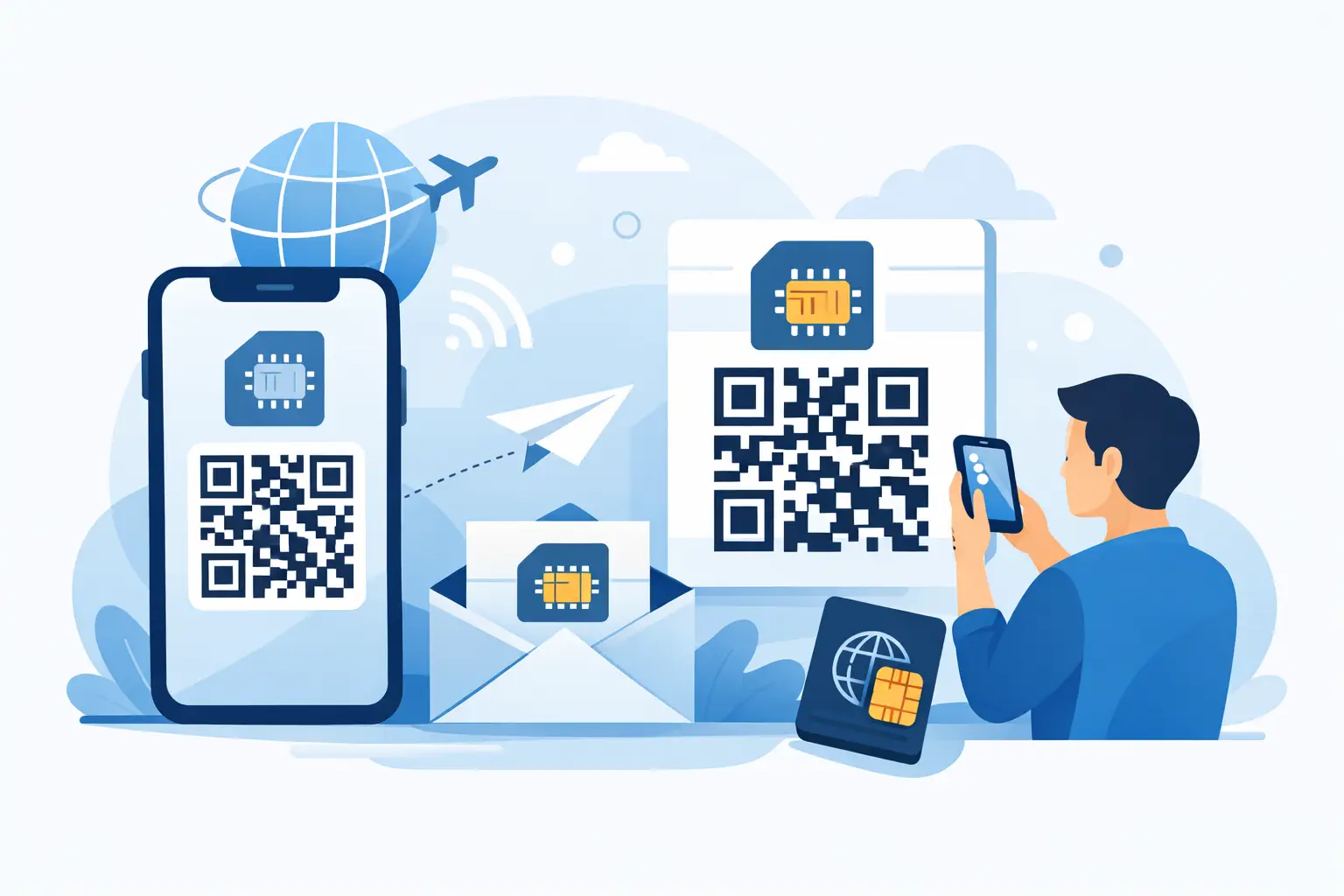
For many travelers, an eSIM is the easiest route because there is no store visit, no plastic SIM card, and no need to swap out your primary line if your phone supports dual SIM or dual eSIM use. You buy the plan, scan a QR code, install it before departure, and switch it on when you arrive. That gives you mobile data without putting your trust in roaming fees.
This is also where transparency matters. Some travel data providers advertise huge data promises but bury speed caps, fair-use restrictions, or hotspot limits. A better option is one that tells you exactly what you are buying: where it works, how much data you get, whether tethering is allowed, and what happens when you run low.
Before you choose any travel data option, make sure your phone is eSIM-compatible and unlocked. Both matter. A compatible phone can install the plan. An unlocked phone can actually use a network other than your home carrier.
This is one of those details people skip until the night before a flight. Do not. If your phone is carrier-locked, a travel eSIM may not work even if the installation appears successful. If your device supports eSIM but not dual active lines, you may need to adjust settings more carefully once you land.
You should also think about what you actually need abroad. If you mainly need maps, messaging, email, and a hotspot for a laptop now and then, a data-only plan is often enough. If you need a traditional local number for calls, that is a different setup. Many travelers do perfectly well using data for messaging apps, Wi-Fi calling, and app-based calls instead of paying for voice roaming.
Buying a travel plan is only part of the job. The real savings come from your phone settings.
Start by turning off data roaming on your primary home line. That single step prevents your default carrier plan from quietly connecting in the background. Then make sure your travel eSIM is selected for cellular data once you arrive. If your phone allows it, disable automatic data switching so it does not jump back to your home line when signal conditions change.
It also helps to turn off or limit background data for heavy apps before the trip. Cloud photo backups, app updates, streaming apps, and automatic downloads can chew through data even on a prepaid plan. If your travel package has a fixed allowance, those settings give you more control.
Download offline maps for key destinations before departure. Save boarding passes to your wallet app. Cache hotel confirmations and transport details. These are small moves, but they reduce stress on arrival and cut unnecessary data usage in the first 24 hours of the trip, which is often when people are most likely to trigger roaming accidentally.
Home carrier international passes work for some travelers. If you are taking a very short trip, using minimal data, and care more about convenience than cost, a daily roaming pass might be fine. That is the honest answer.
But for most trips longer than a couple of days, prepaid travel data usually gives you better visibility and often better value. You know the cost upfront. You know the data allowance. You are not trying to decode fine print after the fact. That matters even more for remote workers, frequent travelers, and anyone using hotspot data on the road.
An eSIM also gives you flexibility. If your trip spans multiple countries, a regional plan may cover several destinations under one package. If you run out, top-ups are usually straightforward. You are not dependent on airport kiosks, local store hours, or carrier customer service while standing on a sidewalk with 4 percent battery.
Even with a travel plan, there are a few traps worth watching.
The first is leaving your home SIM active for data. Many people install a travel eSIM correctly but forget to switch their data line, so the phone keeps using the expensive one. The second is answering traditional calls or sending SMS through the home carrier when abroad. If your plan is data-only, those services may still route through your regular line and trigger charges.
The third is trusting the word unlimited without checking the policy. Some plans give you a high-speed allowance and then throttle speeds hard. Others restrict hotspot usage or cut service after heavy consumption. That does not mean the plan is bad. It means you should know the terms before you depend on it for work, navigation, or tethering.
The best travel connectivity products remove friction. You should be able to buy online in minutes, receive setup details immediately, install before departure, and activate when you arrive. No mystery fees. No fake unlimited pitch. No guesswork about whether hotspot works.
That is why many travelers now choose prepaid data-only eSIMs from providers built specifically for international use. TapSim is one example of that model: clear coverage, clear limits, instant delivery, and no roaming traps dressed up as convenience. If setup fails, refund-friendly policies matter too. Travel is already unpredictable enough.
If you are reading this from a hotel lobby after realizing your carrier charges are piling up, you still have options. First, turn off data roaming on your home line immediately. Connect to Wi-Fi if available. Then check whether your phone supports eSIM and whether it is unlocked. If yes, you can often buy and install a prepaid travel data plan on the spot.
If your phone is not compatible, your fallback is to stay disciplined with Wi-Fi and avoid mobile data use until you find a local SIM option. Not ideal, but still better than continuing to roam without a clear cap.
When travelers talk about how to avoid roaming charges overseas, they usually focus on money. Fair enough. But cost is only half the issue. The better payoff is control.
You know what you paid. You know what you are getting. You land with working data, open the map, message your driver, and move. No billing surprises waiting at home. No support chat with your carrier trying to argue about what counted and what did not.
Travel works better when your phone does exactly what you expect. Set it up before you go, keep the terms simple, and give yourself one less thing to worry about when wheels hit the runway.